
Single Motor vs Dual Motor: When the Desk Moves Smoothly and When It Wobbles
In short
One motor or two is decided by three numbers, not by how premium the label sounds. How many kilos the frame lifts, how much the frame weighs when it is open at standing height, and how fast it moves. The single-motor S1 lifts up to 80 kg at 2 cm per second, and the frame weighs 20 kg. The dual-motor S2 lifts up to 120 kg at 3 cm per second, and the frame weighs 29 kg. For a normal station with one or two monitors, one motor moves smoothly. Wobble starts when the top is wide, the load nears the limit, or the columns are fully extended on a lighter frame.
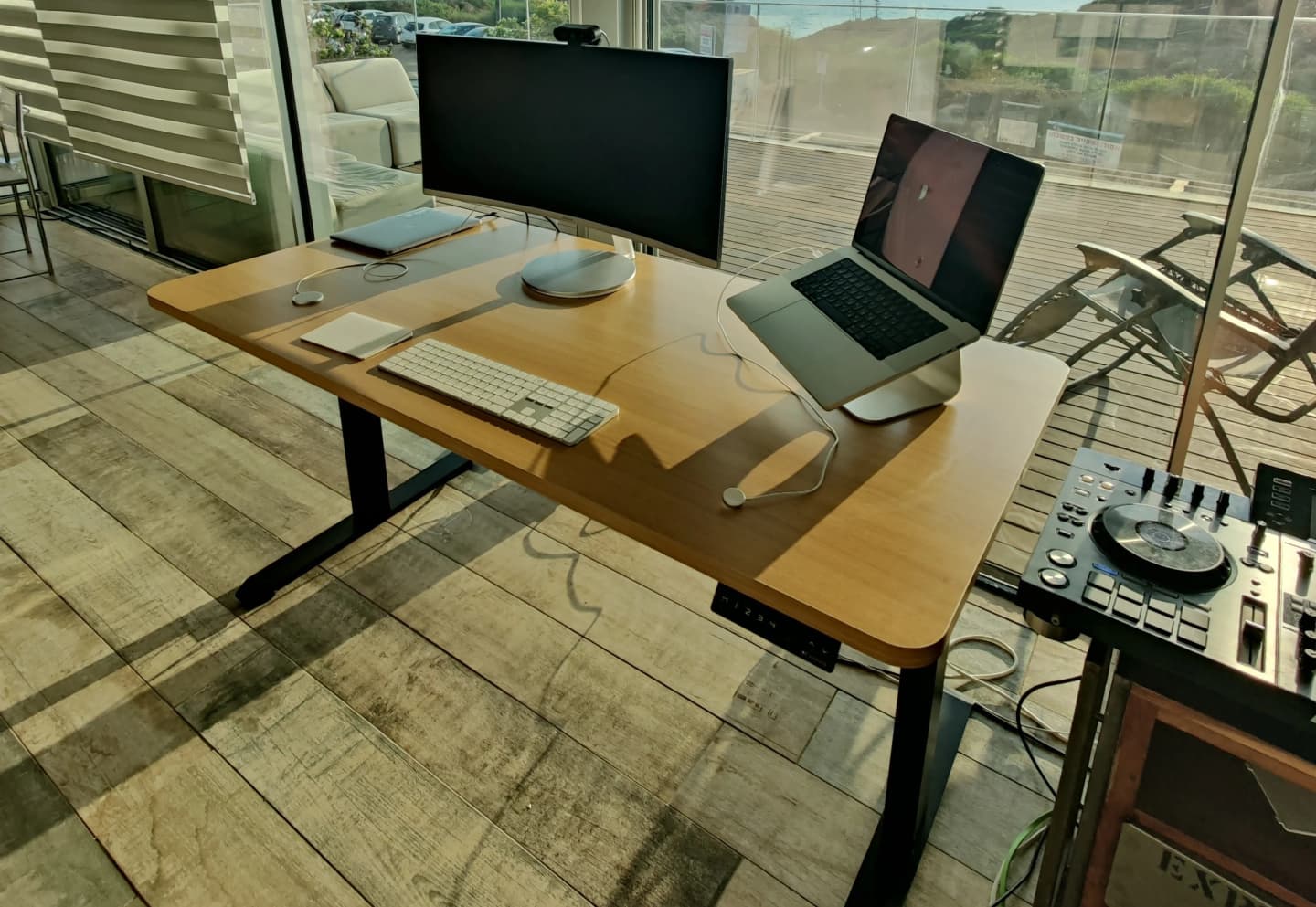
What is the difference between one motor and two?
A single-motor desk has the motor in one leg. A drive shaft turns the second leg, and both legs are meant to rise together. A dual-motor desk has a motor in each leg. There is no shaft between them, and each leg lifts its own side of the top.
That is the mechanical difference. It does not mean one motor is a bad desk and two motors are a good desk. Both raise and lower the top between sitting and standing. You feel the difference when the station is heavy, wide, or raised to the end of the range.
The practical comparison here is the S1 frame against the S2 frame. S1 runs from 0.70 m to 1.15 m, and suits standing up to about 1.90 m. S2 runs from 0.60 m to 1.25 m, and suits standing up to about 2.00 m. Both have 3 memory presets. Memory is not a reason to buy a second motor.
| S1 one motor | S2 two motors | |
|---|---|---|
| Motors | 1 | 2 |
| Lift | up to 80 kg | up to 120 kg |
| Speed | 2 cm/s | 3 cm/s |
| Frame weight | 20 kg | 29 kg |
| Height range | 70-115 cm | 60-125 cm |
| Leg span | 100-140 cm | 100-180 cm |
| Top width | up to 180 cm | up to 220 cm |
| Minimum top depth | 45 cm | 60 cm |
| Memory | 3 presets | 3 presets |
| Warranty | 3 years | 5 years |
There is another single-motor desk, Sun, in the same lift class as S1. It is for a small room and does not change the rule. A corner desk or a very long station is the L3 frame, with 3 motors and up to 150 kg. The rest of this page stays on the question most buyers actually ask: one motor or two for a straight desk.
If you are still choosing a whole desk, including height, a chair and a top, start with how to choose a standing desk. This page stays on the motor.
How many kilos can one motor lift?
Lift capacity is the weight the frame can raise, including the tabletop. S1 lifts up to 80 kg. S2 lifts up to 120 kg. The number is not your body weight. You stand on the floor. The motor lifts whatever sits on the legs.
Before comparing motors, add up the load on the top. The top itself, monitors, a monitor arm, a laptop, and a desktop tower only if it actually sits on the desk. A tower on the floor does not count. Neither does your body.
| What sits on the desk | Rough weight |
|---|---|
| 160 by 80 cm melamine top | about 17 kg |
| Two 27-inch monitors | about 14 kg |
| Monitor arm and laptop stand | about 4 kg |
| Desktop tower on the floor | not counted |
| Total the motor lifts | about 35 kg |
In this example the load is about 35 kg. Against S1's 80 kg there is a wide margin. Against S2's 120 kg the margin is wider still, but it does not change how a normal day feels. The motor does not work harder just because its ceiling is higher, as long as you stay well below that ceiling.
The rule of thumb already in our buying guide: keep about 30% above the weight of the equipment. On 35 kg that is about 45 kg of lift you want available. S1, with a ceiling of 80 kg, clears that comfortably. Two motors are not required here because of weight.
- Weigh the top, or use the rough weight for the size you bought.
- Add monitors, an arm, a laptop, and a tower only if it sits on the top.
- Multiply by about 1.3. That is a comfortable working ceiling, not the weight where the frame collapses.
- If the result is under 80 kg and the top fits S1's width, one motor is enough.
- If the result nears 80 kg, or the top is wider than S1's limit, move to S2.
Why does the desk wobble when you stand?
Wobble almost never comes from the motor while it is idle. It comes from the columns when they are extended. The higher the desk, the longer the lever, and every touch on the keyboard moves the top. A heavier frame resists that more than a lighter one.
The gap here is measurable. The S1 frame weighs 20 kg. The S2 frame weighs 29 kg. The difference sits in the legs, not in the monitor. At full standing height that is what keeps the desk calmer while you type.
A single motor also feels different at the end of the range. The shaft between the legs has to stay aligned. A little play and one leg arrives a moment after the other, so the top tips slightly while it moves. Two motors have no shaft. Each leg carries its own side. That does not remove typing movement at full height, because S2 also stops at 1.25 m. It does reduce the tilt during the travel itself.
Your height changes the picture before frame weight does. If a comfortable standing height sits inside S1's range, you are not opening the columns to the lock. If you need the top end, or the bottom end for a low seat, you work where wobble is easier to feel. Check your height in the desk height calculator before you buy an extra motor for stability you may not need.
- A glass of water on the corner while you type. Small ripples exist on every extended desk. A wave that spills is a problem.
- A hand on the top during travel. If one side arrives late, check the shaft alignment on the single-motor frame.
- The monitors should not keep shaking after you finish a word. A shake that continues means the station is high for the frame, or the feet are not square on the floor.
An uneven floor and a loose bolt produce the same complaint as a missing motor. Before you replace the frame, make sure both feet touch the floor with no caster in the air, and that the top is screwed to the frame rather than just resting on it.
How much noise is there on the way up?
We do not publish a separate decibel figure for S1 and S2, and this page will not invent one. What is known: you hear the motor only while it moves. Once the desk stops, there is no motor noise, on one motor or on two.
Published speed is 2 cm per second on S1 and 3 cm per second on S2. S1's range is shorter. This is arithmetic from the spec, not a stopwatch test: a full rise from the low height to the high one takes about 23 seconds on S1 and about 22 seconds on S2. Two motors are not a speed upgrade on these models. S2's longer range uses up the extra centimetre per second.
Noise that grows with load is a different matter. A motor working near its lift ceiling sounds more loaded than a motor with spare capacity. On a station of about 35 kg, S1 is still far from its ceiling. S2 is farther. That is why our model pages describe S2 as quieter, without presenting it as a lab test. In a meeting or a lesson, a few seconds of hum do not separate the models beyond what the range and speed already show.
If the desk creaks at only one point mid-travel, that is usually a column that needs alignment or a tabletop bolt, not a missing motor. A new noise after you move the desk to another room is worth a level check before you think about replacing the frame.
When are two motors unnecessary?
Two motors are unnecessary when three conditions hold together. The load on the top stays comfortably under S1's ceiling. The top's width and depth fit the single-motor frame. Your sitting and standing heights fit S1's range.
That describes a lot of home stations: a laptop and one monitor, or two 24-inch monitors, on a top of 120 to 160 cm. The S1 desk is built for that. Buying S2 for that station buys frame weight and a longer warranty, not a new way of working.
- One or two monitors, with no computer case on the top.
- A top no wider than S1's limit, 180 cm.
- Comfortable standing up to about 1.90 m, without needing 1.25 m.
- Comfortable sitting without going down to S2's lower height.
- No plan to add a wider top or heavy equipment soon.
There is also a case where two motors are the wrong choice. S2 needs a top at least 60 cm deep. A very shallow top, which S1 accepts from 45 cm, does not sit correctly on the heavier frame. Here one motor is not a compromise. It is the fit.
A small room also gains nothing from a heavier frame if the top is 120 cm and there is no space to open the leg span. Sun, the compact single-motor desk, covers that case in the same lift class. Comparing only the motor count misses the size: a room that cannot take S2 does not become more comfortable because it has two motors.
Which tabletop width does each frame take?
The motor does not choose the width by itself. Leg span and the top decide it. On S1 you can set the distance between the legs from 100 to 140 cm, and the top can reach 180 cm, including the side overhang. On S2 the span reaches 180 cm, and the top reaches 220 cm.
A 140 or 160 cm top, the common size for two monitors, fits S1. A 180 cm top is S1's width ceiling. Beyond that, or a top that is both heavy and wide, moves to S2. Three monitors in a row are usually that moment.
Depth gets forgotten because the conversation sticks on motors. S1 takes a top at least 45 cm deep. S2 takes a top at least 60 cm deep. A narrow top that is too deep does not become stable just because it has two motors. It has to sit on the frame with screws, not hang off the back unsupported.
If you already have a top, measure width, depth and thickness before you order legs. Our tops are 18 mm thick, and the frames are meant for a rigid surface of that thickness. A flexible top feels soft in the middle no matter how many motors it has, even if it is light. Materials are covered in the tabletop guide.
Measure width from side to side and depth from the edge facing you to the edge facing the wall. Do not measure only the upper surface if an old steel frame still sits underneath. The new legs need a clear place to screw in, without old bolts in the middle and without a keyboard tray blocking the beam.
After the size, check that the top is flat. A top that has warped over years on old legs will keep wobbling on a new frame. Lay a long straight edge on the diagonal. If you see light under the middle, the top is cupped, and it is worth replacing the top rather than only the motor.
- Width up to 180 cm and depth at least 45 cm: S1 can fit.
- A greater width, up to 220 cm, or a heavy top at least 60 cm deep: S2.
- A warped, cracked, or thin and soft top: replace the top before you debate motors.
- Old holes do not have to match. Our tops ship without pre-drilled holes, and you can drill for the new frame.
How do you check that the desk moves smoothly after assembly?
A desk that wobbles on day one is usually a desk that is not finished. Before you conclude that a motor is missing, check four things the mechanism cannot fix by itself.
- Both feet stand on the floor without rocking. On a thick carpet, shift the feet until the frame no longer hops.
- The screws from the top into the beam are tight. A top that only rests on the frame moves even on a heavy frame.
- On a single-motor frame, the drive shaft is connected to both legs and aligned so they start together.
- On a dual-motor frame, both cables sit in the controller. A motor that is not connected leaves one side down, and that looks like a stability fault.
Then run the desk once from the bottom of the range to the top, with no unusual weight and no hand on the top. The rise should sound even. A stop midway, or a side that lags, is a reason to stop and check a connection. It is not a reason to add equipment and test again.
Only after that empty run do you add the monitors. Save a sitting height and a standing height to memory, and put a glass of water on the corner while you type at your standing height, not at the maximum if you do not work there. The test is at the height where you actually sit and stand.
If the top still shakes at working height after all of that, go back to the fit table. A wide or heavy station on S1 will feel the edge of the lighter frame. That is the case where S2 is the fix, not another turn of a bolt.
It also helps to separate shake during travel from shake while typing. During travel you can hear the motor and see a little movement, because the columns are moving. Once the desk stops and your hand leaves the keypad, the top should stay put. If it keeps moving after it stops, check that the load has not passed the ceiling, and that both feet are actually carrying weight rather than one of them hanging on a carpet.
Which frame fits the station?
After the count, the decision is short. One motor when the load, the width and the height fit S1. Two motors when one of the three does not. Do not buy two motors in advance just because the headline sounds stronger.
There is one reason to buy S2 even when the load fits S1: the warranty and the frame. S2 comes with 5 years of warranty against 3 on S1, and the heavier frame stays calmer over years of travel. That is a choice of margin, not of lift you are missing. If the station is small and stable today, and is not going to grow, you do not have to pay for that margin.
The common mistake runs the other way. People buy one motor for a top that is already wider than S1's ceiling, then discover the wobble only after the monitors are up. Size and weight are checked before the order. Assembly does not change the width ceiling or the lift ceiling.
| The station | What fits | Why |
|---|---|---|
| One or two monitors, a top up to 160 cm, height inside S1 | S1 | Plenty of lift left under 80 kg |
| A wide top, three monitors, or heavy gear on the surface | S2 | A 120 kg ceiling and a 29 kg frame |
| A tall user who needs the top of the stand range, or a very low seat | S2 | The range starts lower and stops higher |
| An existing top, without replacing the whole desk | Legs only | The same load and width rule, without buying a new top |
| A corner desk or a long station | L3 | 3 motors, up to 150 kg |
A complete desk arrives with a top and a frame that already match. If you already have a good top, you buy only an electric desk frame and mount it on the top you have. It is the same choice between one motor and two, without paying again for the wood.
Assembly is similar on both models: set the leg span to the top, connect the shaft on the single-motor frame or make sure both motors are plugged into the controller on the dual-motor frame, and screw the top down. After assembly, save a sitting height and a standing height so you are not resetting every morning.
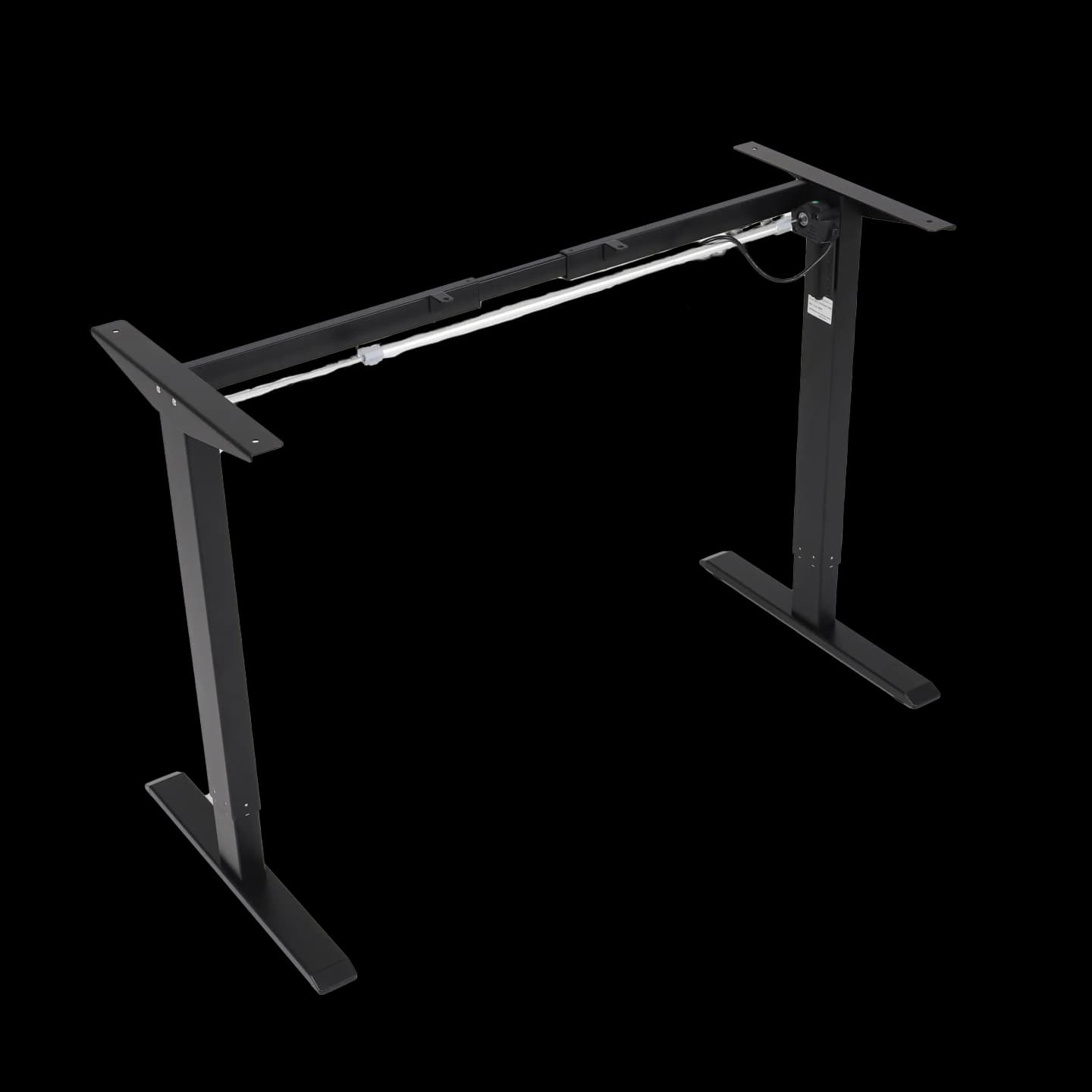
S1 single-motor frame
Up to 80 kg, 20 kg frame, tops up to 180 cm
From 1,790 ₪
Details →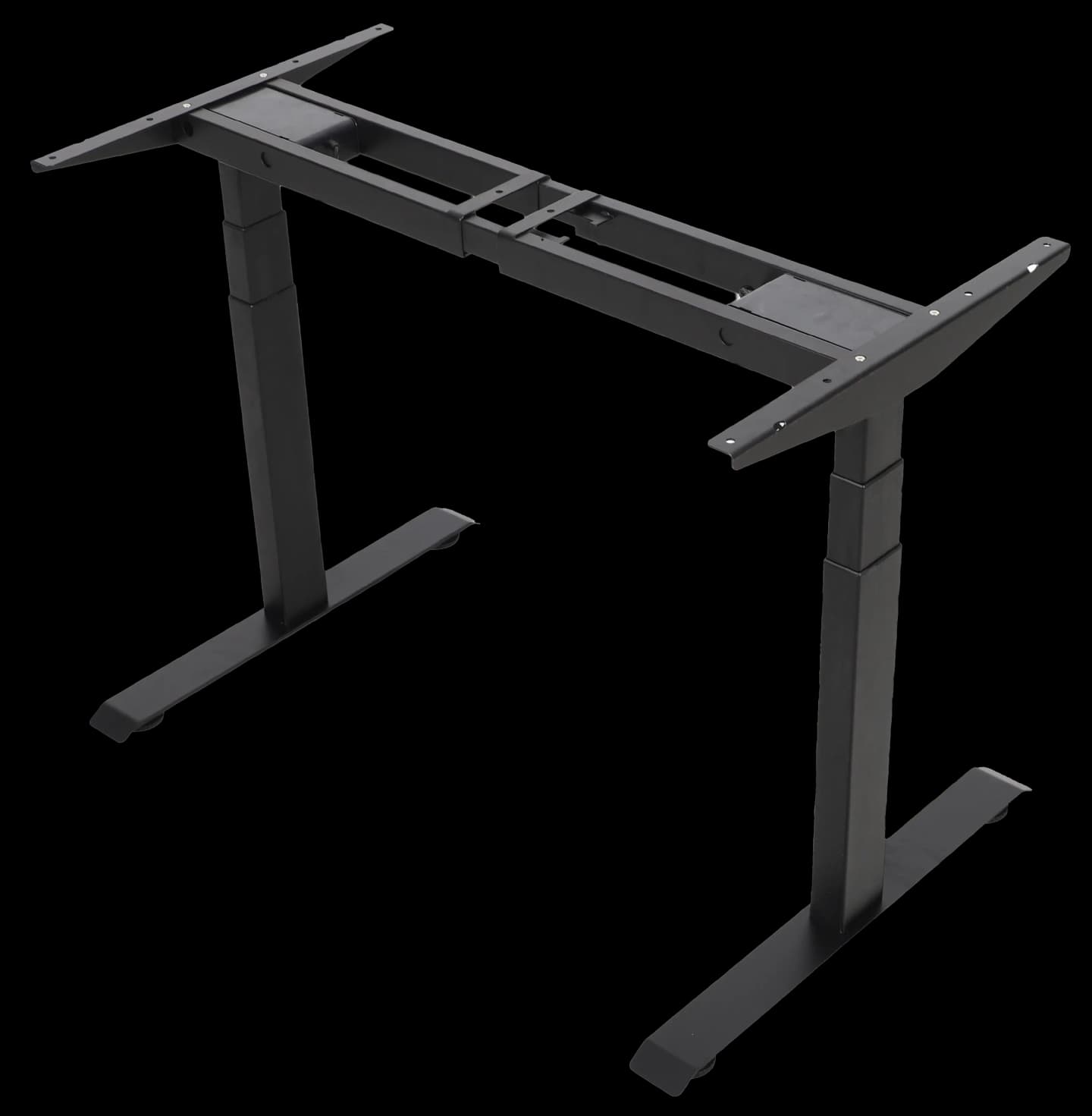
S2 dual-motor frame
Up to 120 kg, 29 kg frame, tops up to 220 cm
From 2,390 ₪
Details →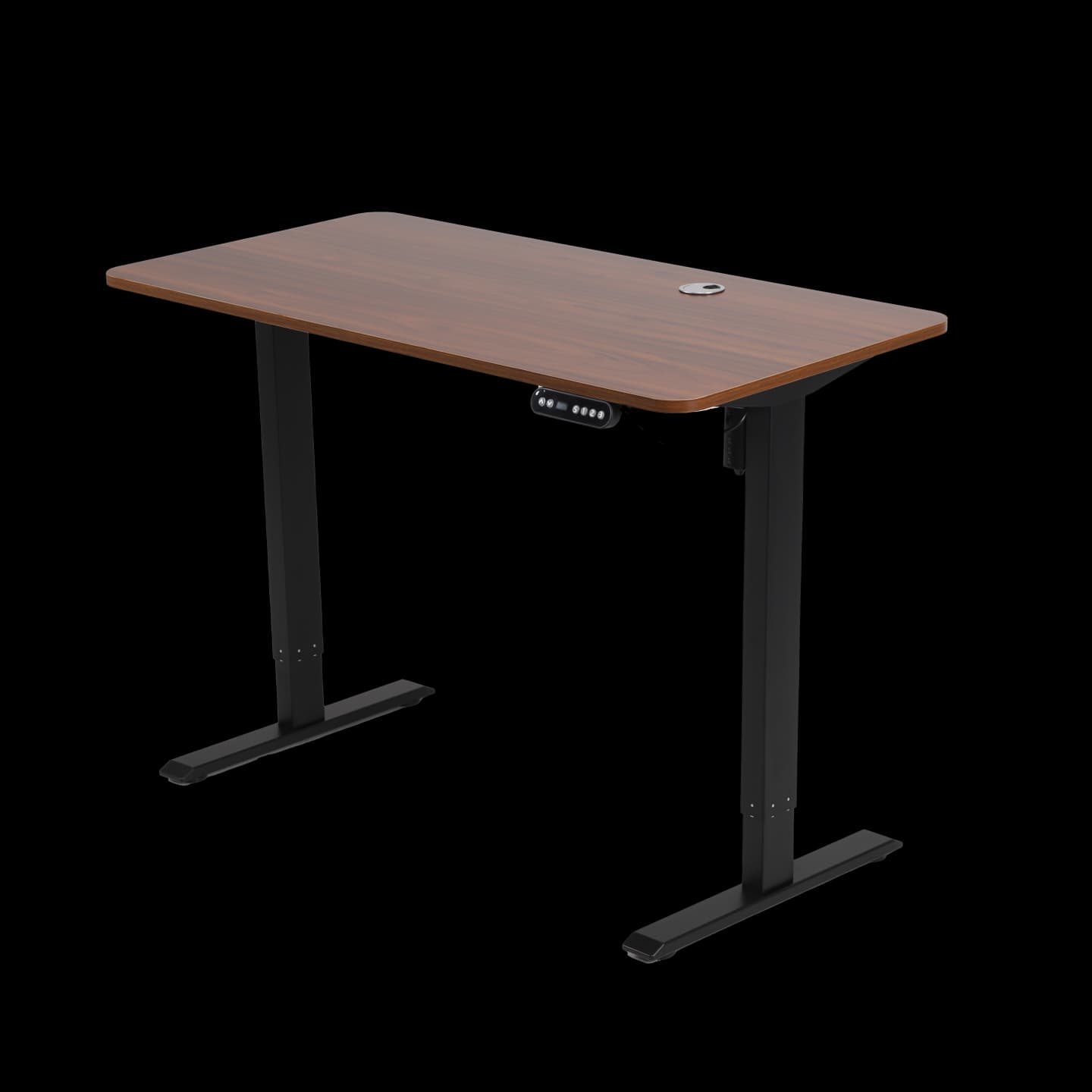
Complete single-motor S1 desk
70-115 cm range, 3-year warranty
From 1,890 ₪
Details →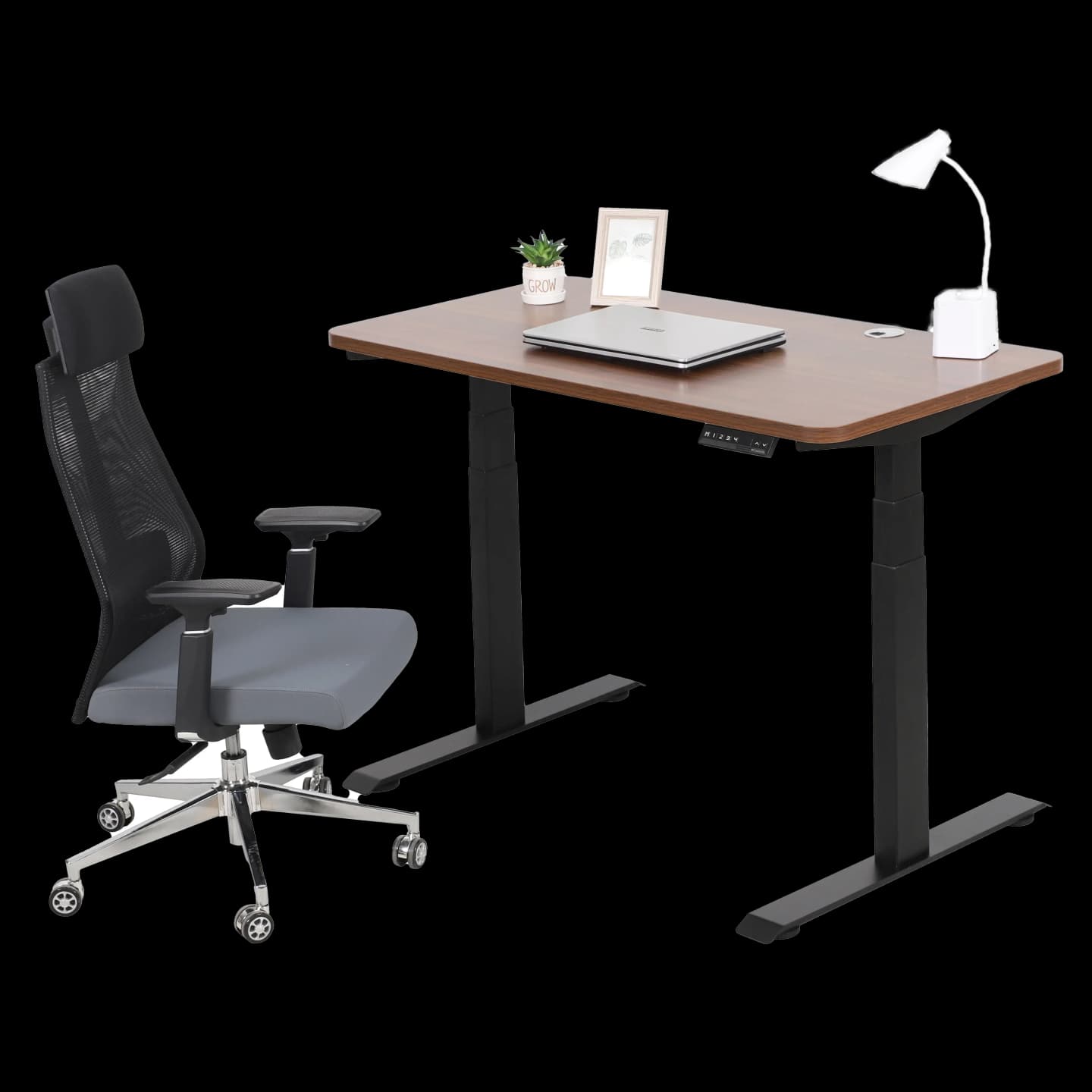
Complete dual-motor S2 desk
60-125 cm range, 5-year warranty
From 2,690 ₪
Details →
If the top is already at home and the only question is which base will lift it, continue to electric legs for a top you already own. Both frames sit there side by side, without the height and chair guides.
If the table already shows which side you are on, go straight to choosing the frame by the load and compare S1 and S2 for the same top.