What matters in an ergonomic chair for long hours of sitting?
A good ergonomic chair for long hours is one you can adjust precisely to your body. These are the five adjustments it must have:
- Seat height: feet flat on the floor, knees at about 90°
- Seat depth (seat slide): a gap of 2-3 fingers between the seat edge and the back of your knee
- Adjustable lower-back (lumbar) support at the natural curve of your waist
- A backrest that reclines and locks in several positions
- Adjustable armrests, level with the desk surface
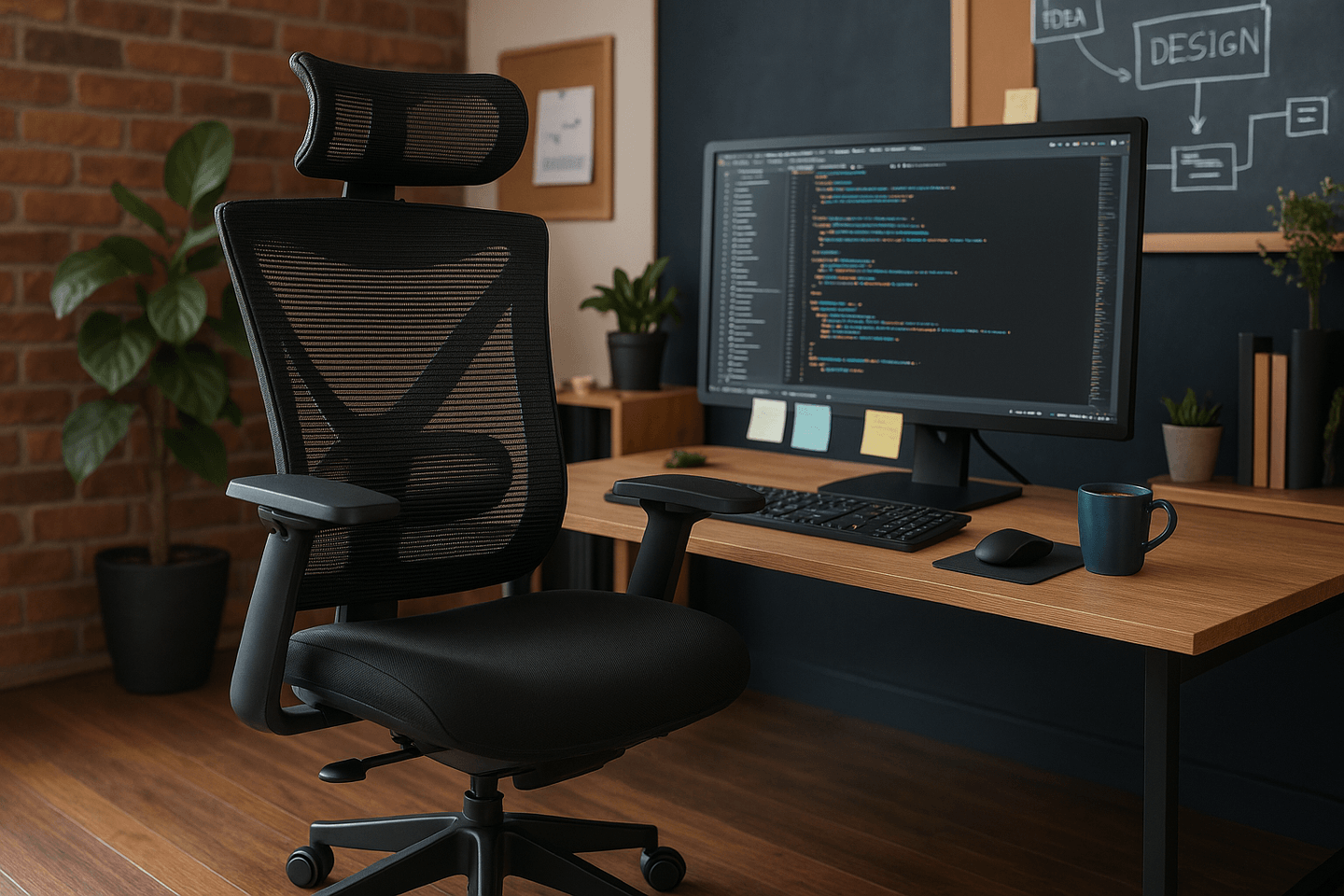
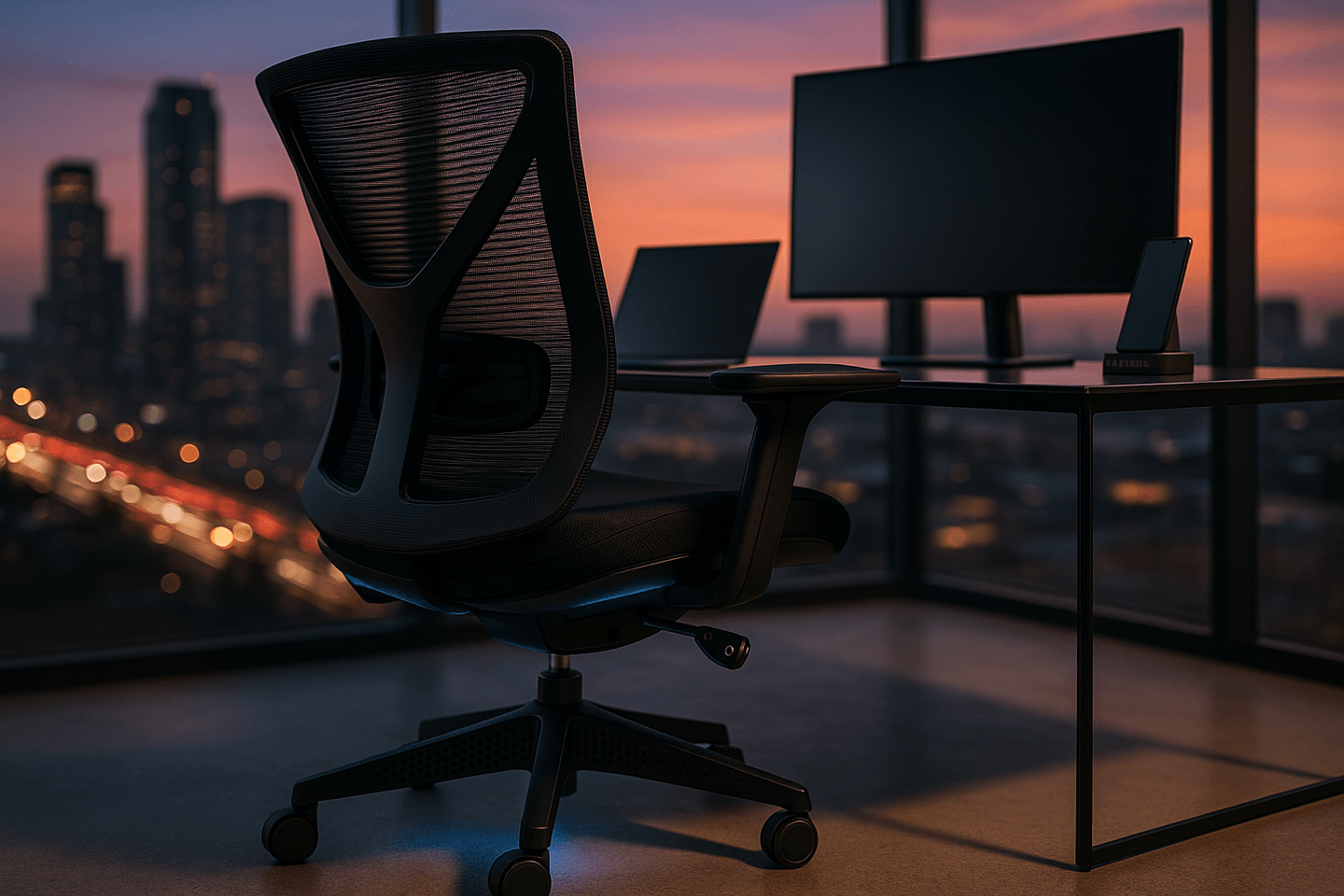
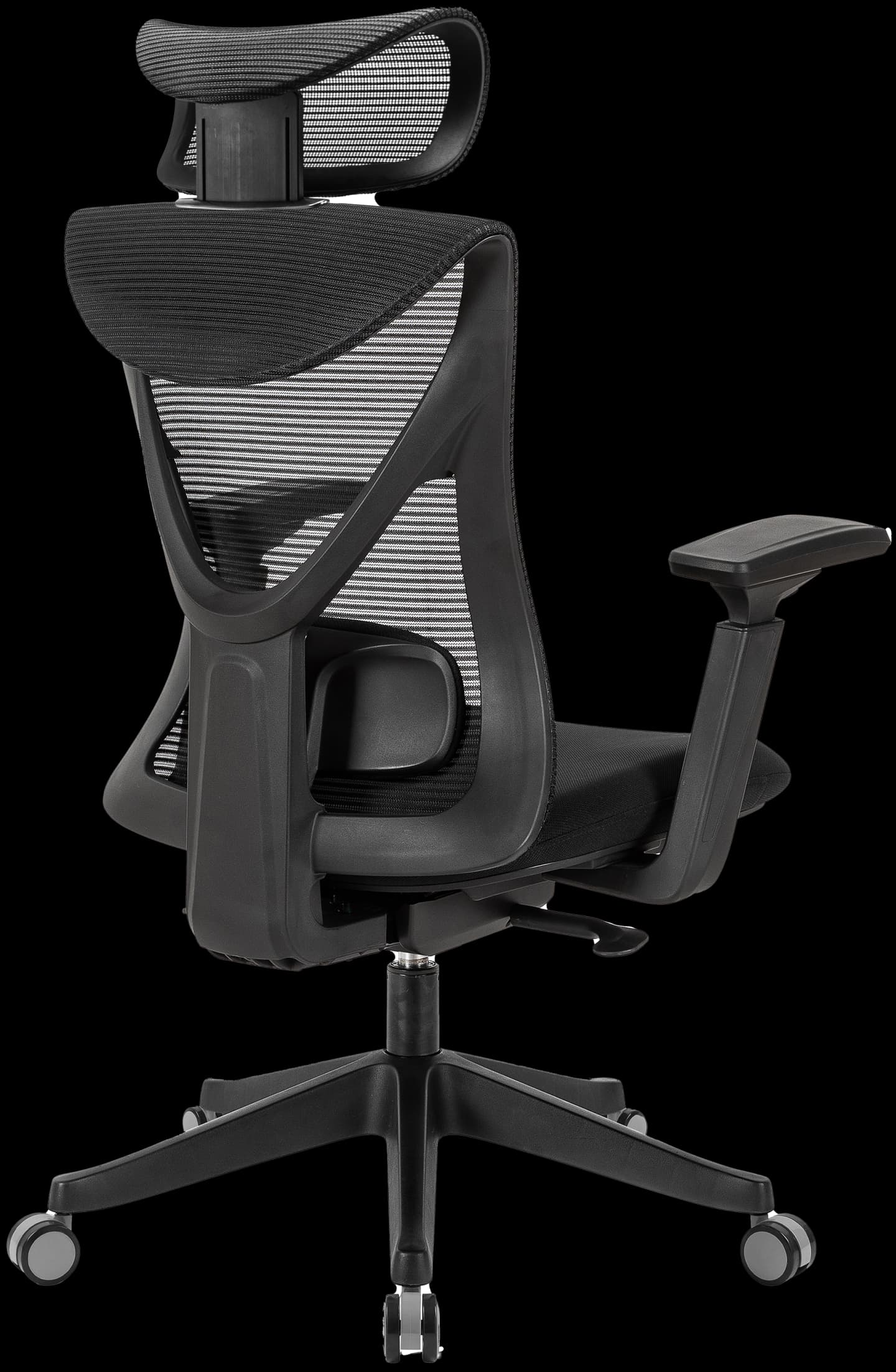
A mesh back is better for hours of sitting because it breathes. If you sit more than 6 hours a day or carry tension in your neck, you will also benefit from a headrest and 4D armrests, as on the Scorpius Pro. If you want the support to move with your back, choose the Lavenne R9.
See also: How to choose an ergonomic chair for long hours of sitting | Orthopedic chairs for back problems: what really helps
Which chair is right for you?
Start from how many hours you sit and your body, not from the catalog:
- Scorpius X
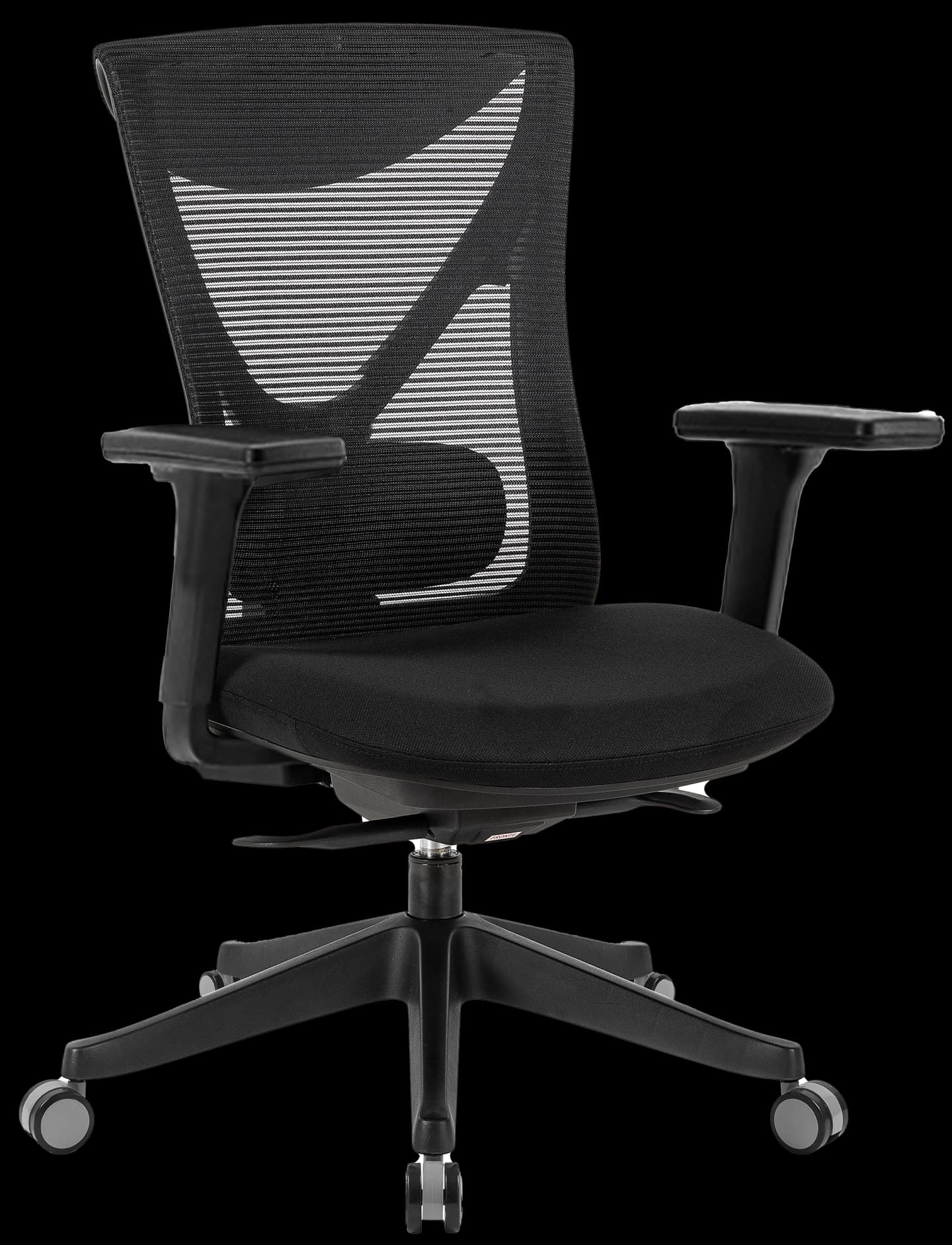
Everyday work at home or in the office
Mesh back, adjustable lumbar support and seat slide, from ₪1,390
Details - Scorpius Pro
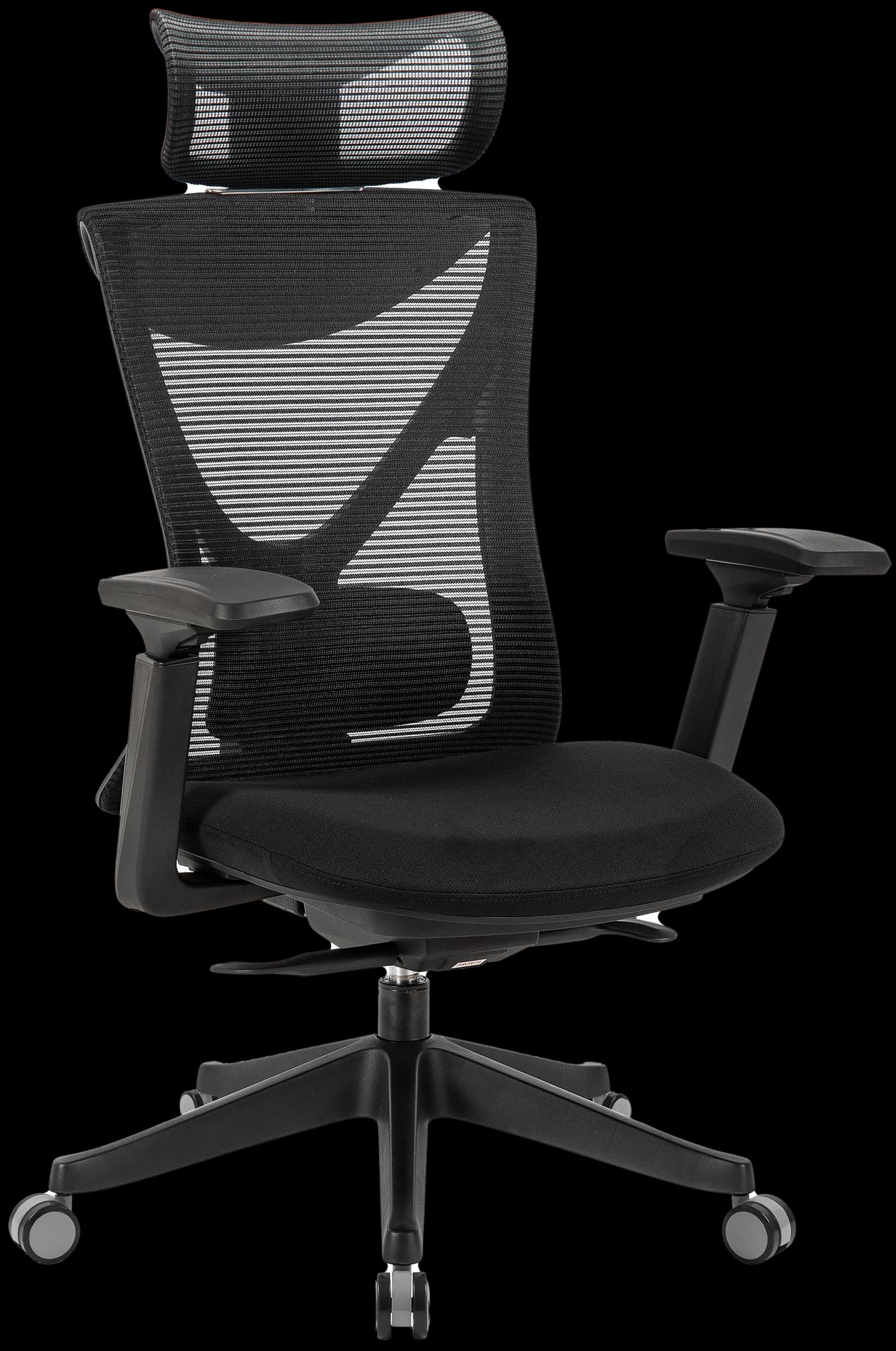
6+ hours of sitting, neck strain
Adjustable headrest and 4D armrests, from ₪1,690
Details - Lavenne R9
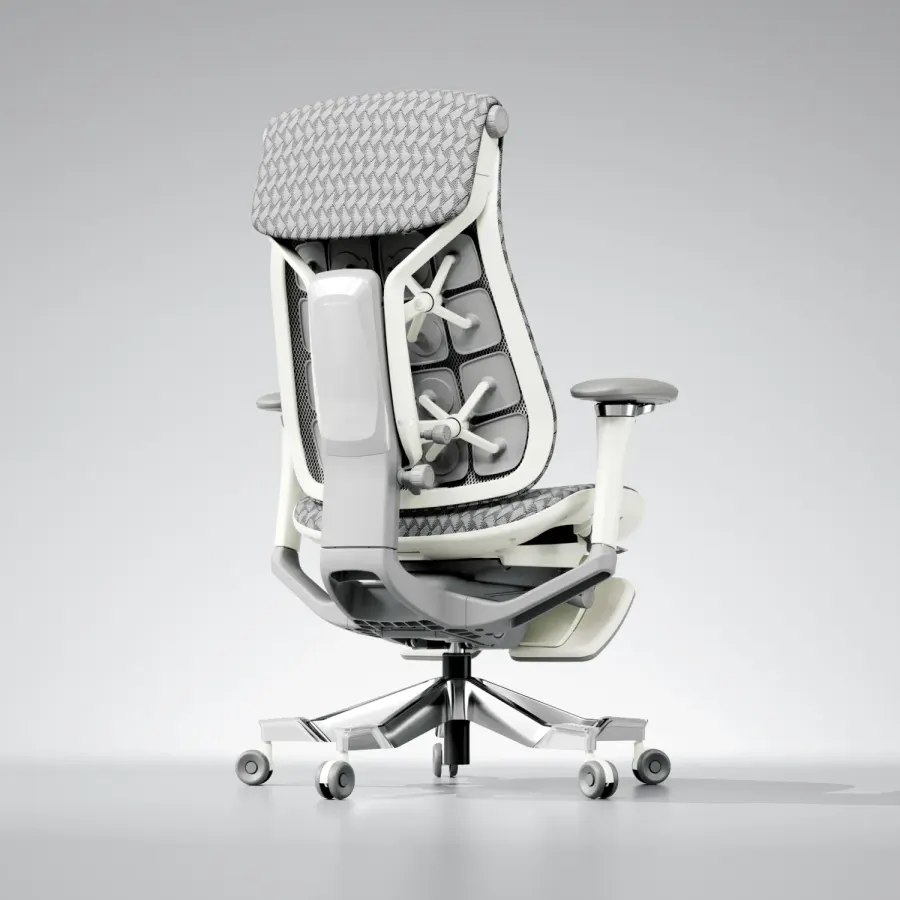
You change position a lot during the day
Dynamic spine that moves with your back, up to 160 kg, from ₪4,980
Details - Lavenne R9 Pro
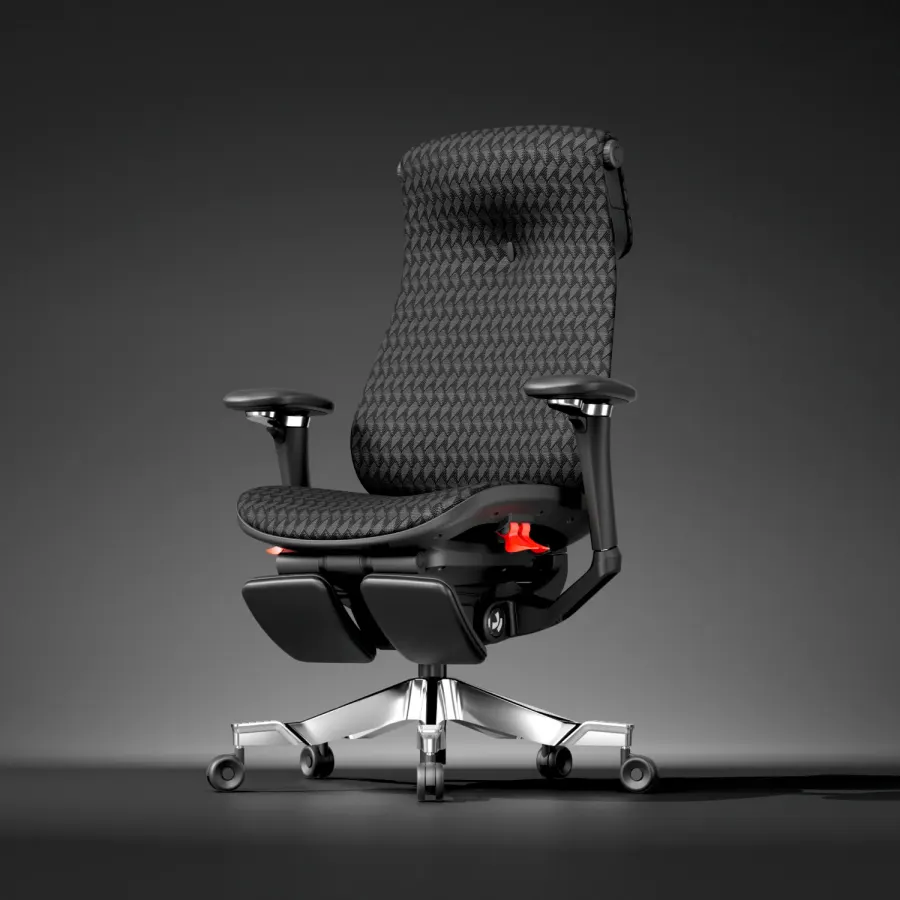
8+ hours, and you want massage too
Electric air support and 6 massage programs, from ₪5,580
Details
Scorpius or Lavenne R9: ergonomic chairs compared
Comfortly offers two ranges of ergonomic chairs: our own Scorpius series, and the Lavenne R9, which we officially import into Israel. Here is how they compare:
| Feature | Scorpius X | Scorpius Pro | Lavenne R9 | Lavenne R9 Pro |
|---|---|---|---|---|
| Brand | Comfortly | Comfortly | Lavenne (official importer: Comfortly) | Lavenne (official importer: Comfortly) |
| Backrest | Breathable technical mesh | Breathable technical mesh | Ergo-Curve with 16 Matrix zones, 4D mesh | Ergo-Curve with 16 Matrix zones, 4D mesh |
| Lower-back support | Adjustable lumbar support | Adjustable lumbar support | VTS dynamic spine | VTS + electric air support |
| Headrest | None | Adjustable | Integrated, adjustable | Integrated, adjustable |
| Armrests | 1D | 4D | 5D, 360° rotation | 5D, 360° rotation |
| Recline | 5 lock positions | 5 lock positions | 105°–150°, 5° forward tilt | 105°–150°, 5° forward tilt |
| Air and massage | None | None | None | 11 air cushions, 4 presets, 6 massage programmes |
| Max user weight | Up to 130 kg | Up to 130 kg | Up to 160 kg | Up to 160 kg |
| Warranty | 3 years | 3 years | 5 years | 5 years |
| Best for... | Everyday work at home and in the office | Long hours and neck strain | People who shift position through the day | 8+ hours a day, recovery and massage |
| Product page link | Details & purchase | Details & purchase | Details & purchase | Details & purchase |
In short: Scorpius X and Scorpius Pro give you every core adjustment for healthy sitting at an accessible price. The Lavenne R9 suits people who want support that moves with their back, and the R9 Pro adds electric air support and massage. Every model can be bought right here, with Comfortly's warranty and service.
Why buy an ergonomic chair from Comfortly?
We only sell chairs we know inside out: our own Scorpius series and Lavenne, which we officially import to Israel. Warranty, spare parts and service come directly from us.
Official importer warranty
3 years on Scorpius and 5 years on Lavenne, with parts and service directly from us.
Fast delivery
Delivery anywhere in Israel within 3 business days.
Fits every body type
Scorpius supports up to 130 kg and Lavenne up to 160 kg, with full seat height and depth adjustment.
Personal guidance
Help choosing and adjusting your chair on WhatsApp and by phone, before and after you buy.
See also: Delivery terms | Refund policy
How do you adjust an ergonomic chair correctly?
An ergonomic chair only works once it is set to your body. Most people adjust only the seat height and skip seat depth and lower-back support, which is exactly where the strain builds up. Adjust it in six steps, in this order:
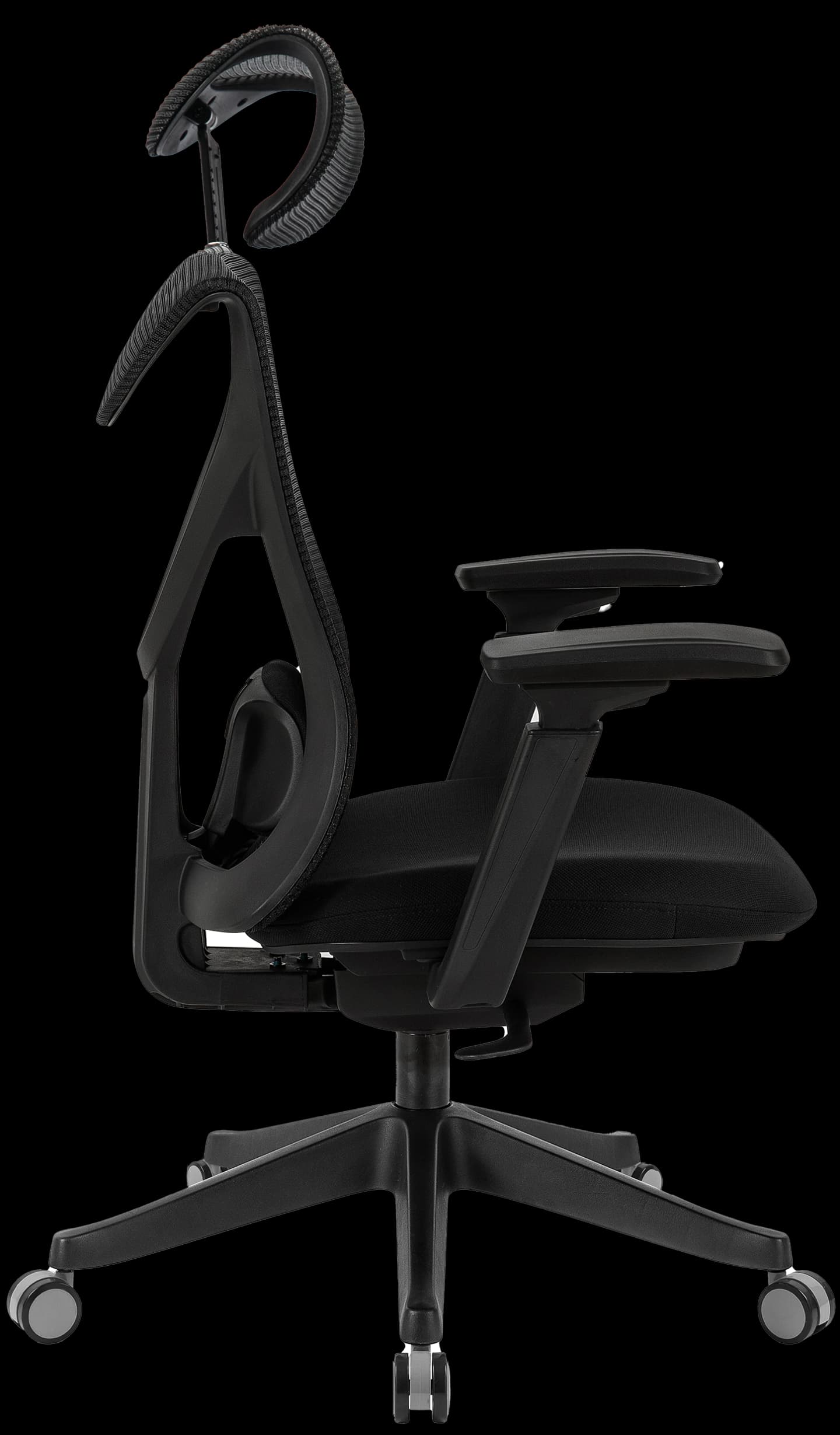
Seat height
Feet flat on the floor, thighs parallel to the floor and knees at about 90°.
Seat depth
Slide the seat forward or back until there is a gap of 2-3 fingers between the seat edge and your knee.
Lower-back support
Set the support at the curve of your waist, roughly at belt height.
Backrest
While typing, an angle of 100° to 110°. For calls and reading, release the lock and lean back further.
Armrests
Level with the desk surface, so your shoulders are relaxed and your elbows sit at about 90°.
Headrest and screen
The headrest supports the back of your neck, and the top of the screen is at eye level, an arm's length away.
Once the chair is set, adjust the desk to elbow height. If the desk is too low or too high for the chair, an adjustable desk solves it.
See also: Desk height calculator | Electric standing desks
How to Choose the Right Ergonomic Chair
Six things to check before you buy:
How many adjustments it has
Seat height and depth, lower-back support, backrest lock and armrests are the minimum. Missing one? The chair will never fully fit you.
Lower-back support
Prefer support that adjusts in height, or dynamic support that moves with your back.
Mesh or upholstery
A mesh back breathes and stays comfortable in hot weather. A high-density molded-foam seat keeps its shape for years.
Your body
Check the maximum user weight. Tall users should look for a high back and an adjustable headrest.
Hours of sitting per day
Up to 5-6 hours, the basic adjustments are enough. Beyond that, a headrest and 4D armrests make a difference.
Warranty and service
A good chair lasts years. Make sure it has a multi-year warranty and a local supplier of spare parts.
See also: How to choose an ergonomic chair for long hours of sitting | Work desk height calculator
Types of Ergonomic Chairs
Most ergonomic chairs fall into three types. Here is how they compare for hours of computer work:
- Ours: Scorpius X and Scorpius Pro
Mesh-back ergonomic chair
The most common type for computer work. Mesh breathes, does not trap heat and holds your back without sagging. Especially well suited to Israel's climate.
- Ours: Scorpius Pro and Lavenne R9
Ergonomic executive chair
A high back with a headrest and support along the whole back and neck. A truly ergonomic executive chair is one that adjusts, not just one that is padded and impressive.
- For work and study: choose mesh
Gaming chair
Gaming chairs are built for reclining and for looks. Most lack a seat slide and adjustable lumbar support, and the upholstery runs hot. For hours of work or study, a mesh ergonomic chair is the better choice.
Scorpius X vs. Scorpius Pro: An Informed Comparison
Both Scorpius models share the same base: a mesh back, a molded-foam seat, adjustable lumbar support, seat slide and a synchro mechanism. The difference is in the neck and the arms:
| Feature | Scorpius X | Scorpius Pro |
|---|---|---|
| Headrest | Not included | Included — adjustable (height and angle) |
| Armrests | 1D (height only) | 4D (height, depth, width, angle) |
| Chair Back | Breathable technical mesh | Breathable technical mesh |
| Seat | High-density molded foam, fabric upholstery | High-density molded foam, fabric upholstery |
| Lumbar Support | Adjustable | Adjustable |
| Mechanism | Synchronous (tilt + lock) | Synchronous (tilt + lock) |
| Backrest Lock Positions | 5 | 5 |
| Seat Slide | Included | Included |
| Base & Wheels | 5-star base, PU casters | 5-star base, PU casters |
| Max User Weight | Up to 130 kg | Up to 130 kg |
| Warranty | 3 years | 3 years |
| Best Suited For... | Standard home/office use, students | Intensive professional use, long sitting hours |
| Product page link | View Details & Purchase | View Details & Purchase |
In short: the Scorpius X suits everyday work, and the Scorpius Pro is for long hours of sitting or neck and shoulder strain.
See also: How to choose an ergonomic chair for long hours of sitting | Orthopedic chairs for back problems: what really helps
What is an ergonomic chair, and how is it different from a regular office chair?
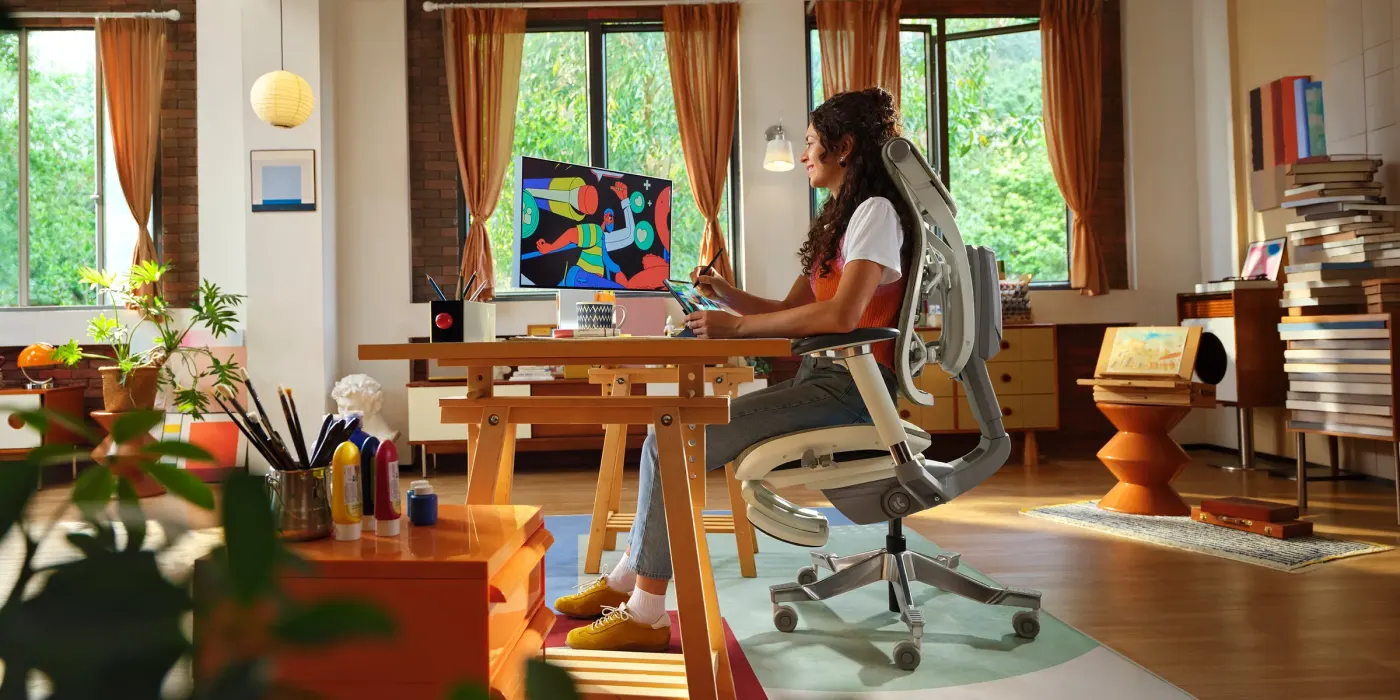
Our advanced ergonomic chairs are specifically designed to provide optimal body support during prolonged sitting. Unlike standard office chairs, an ergonomic chair conforms to the natural structure of the body and allows personal adjustment of various components such as seat height, backrest angle, lumbar support, armrests, and more. Using an ergonomic chair reduces the risk of developing back, neck, and shoulder pain, improves posture, and enhances comfort and productivity throughout the workday.
Health Benefits of an Ergonomic Chair
Sitting for long hours in a poor position loads your back, neck and shoulders. A chair set to your body reduces that load:
Less strain on back and neck
Supporting the spine's natural curve and the back of the neck reduces the load on your muscles.
Better posture
Lumbar support and the right seat depth stop you sliding forward and slouching.
Relaxed shoulders and wrists
Armrests at desk height take the weight off your shoulders while you type.
Focus through the day
When you are not hunting for a comfortable position every few minutes, it is easier to concentrate.
A good chair does not replace movement. Get up for a few minutes every hour, or alternate between sitting and standing with a standing desk.
Ergonomic Chair: Who Is It For?
Office and tech workers
Sit in front of a screen most of the day.
Remote workers and freelancers
A home setup that has to last a full workday.
Students
Hours of studying and writing papers.
Gamers
Long sessions at the computer, evenings included.
People with back pain
Need lumbar support that adjusts precisely.
Tall or heavier users
Need a high back and a high weight rating, up to 160 kg on the Lavenne R9.
In practice, anyone who sits for more than two hours at a stretch each day will benefit from an ergonomic chair.
What else does an ergonomic workstation need?
A good chair is half the setup. Here is how to complete it:
Electric standing desk
Switch between sitting and standing at a touch, with each user's height saved.
DetailsDesk height calculator
The right desk height for you, sitting and standing.
DetailsStanding mat
Takes the load off your legs when you work standing.
DetailsGuide: a chair for long hours
How to choose and adjust a chair for an 8-hour workday.
Details