Orthopedic Chairs for Back Pain: What Really Helps and What's Just Marketing
In short
"Orthopedic chair" is a marketing label, and no standard defines it. What matters for your back during long hours of sitting comes down to four features: adjustable lower back support, a backrest that reclines and locks, adjustable seat depth, and a seat height that lets your feet rest flat on the floor. No chair cures back pain. A good chair reduces the load, and the standard advice for back pain is to keep moving. Pain that doesn't go away after a few weeks needs a medical checkup.
What exactly is an orthopedic chair?
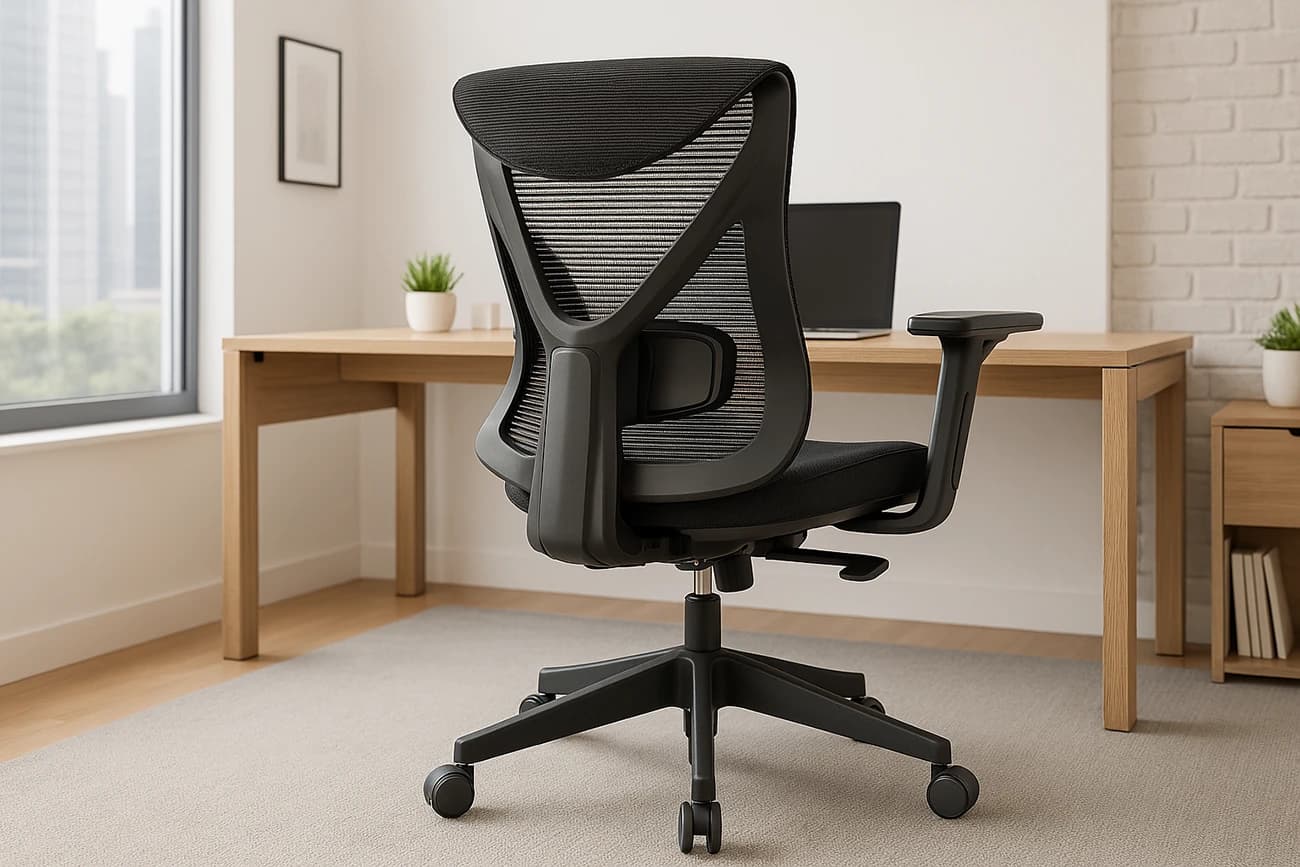
The word "orthopedic" appears on almost every office chair with a shaped back. No Israeli or international standard defines what an orthopedic chair is, and no official body approves the label. What sets a back-friendly chair apart from a regular one is not the name but the adjustments: how precisely you can fit it to your body. So a good orthopedic office chair is really an orthopedic ergonomic chair: an ergonomic chair with a focus on lower back support.
The guidelines from OSHA, the US Occupational Safety and Health Administration, spell out what a work chair should allow you to do. These four features are the foundation:
| Feature | Why it matters | What to check |
|---|---|---|
| Adjustable lower back (lumbar) support | Maintains the natural curve of your lower back and prevents slouching | The support moves up and down and fits into the hollow of your back, roughly at belt height |
| Backrest that reclines and locks | Leaning back transfers part of your upper body weight to the backrest | A recline of at least 15 degrees from vertical, with a lock or tension adjustment |
| Adjustable seat depth | Lets you sit with your back against the backrest without the seat edge pressing on your knees | A gap of 2-4 fingers between the seat edge and the back of your knee |
| Adjustable seat height | Feet planted firmly on the floor stabilize your pelvis and lower back | Thighs parallel to the floor and feet flat on it |
Which adjustment helps which pain?
Lower back pain and neck pain come from different kinds of strain, so the solution is different too. Here's how to match your chair, and the rest of your workstation, to where it hurts:
| Where it hurts | What usually causes strain | What helps in the chair | What helps outside the chair |
|---|---|---|---|
| Lower back | Slouching forward, a seat that is too deep, hours without a break | Adjustable lumbar, seat depth, backrest locked at about 100-110 degrees | Get up every 30 minutes, and work standing part of the time at an adjustable desk |
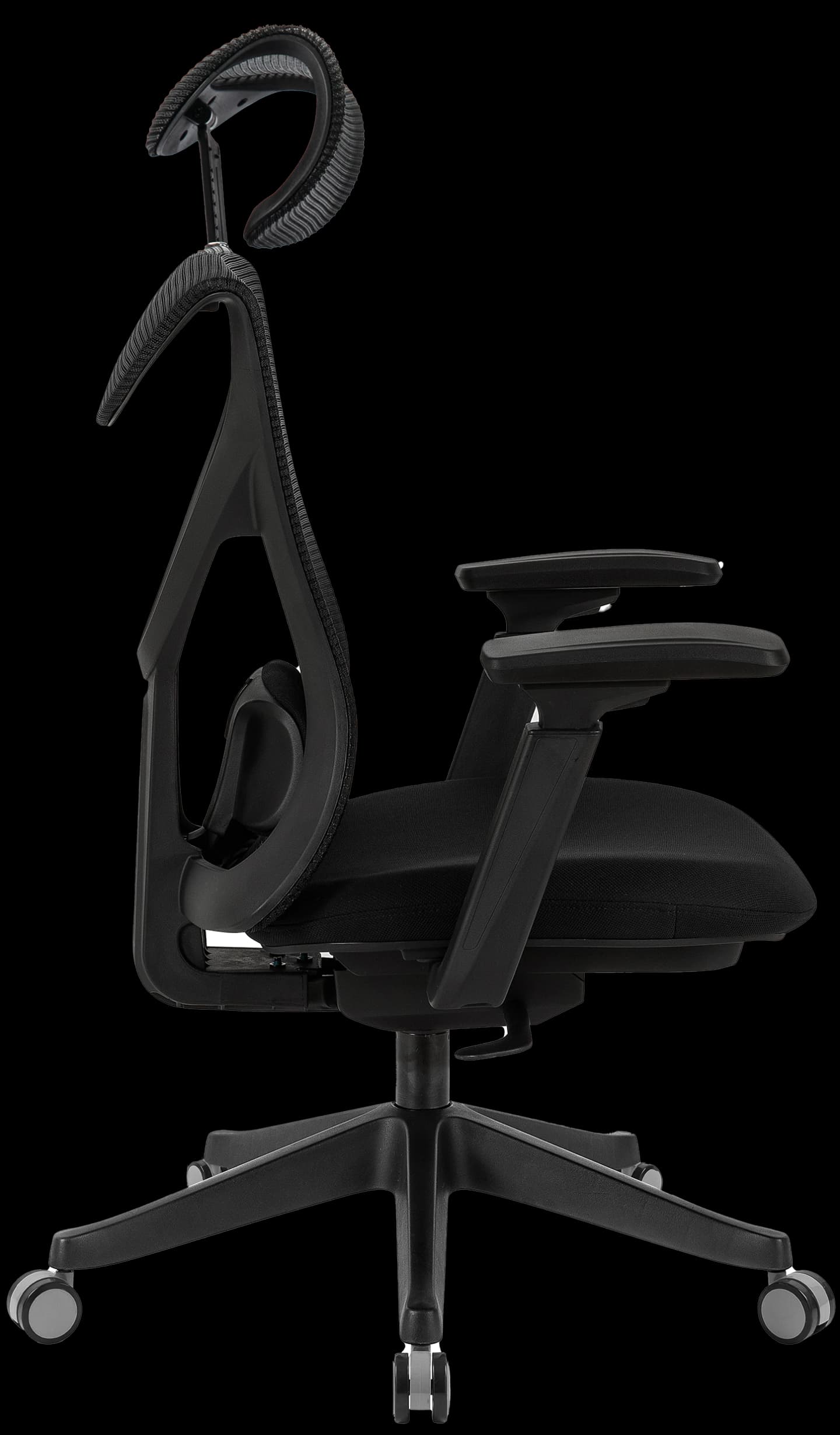
| Neck | A screen that is too low, head tilting forward | An adjustable headrest, especially when leaning back | Screen at eye level, for example on a monitor riser shelf |
| Shoulders and upper back | A desk that is too high, elbows drifting away from the body | Adjustable armrests, ideally 4D armrests that move closer to the body | Desk at elbow height, based on our desk height calculator |
| Thighs and legs (numbness) | A seat that is too high or too deep, pressing behind the knee | Seat height and depth, a rounded seat edge | A footrest when the desk is fixed and high |
What does research say about sitting and back pain?
- Slouching loads the discs. In a study that measured pressure inside a lower back disc, sitting bent forward raised the pressure by about 80% compared with sitting upright without a backrest (0.83 vs 0.46 MPa), and relaxed, reclined sitting lowered it to 0.3. The study was done on a single volunteer, but the takeaway is clear: a backrest you can lean on matters more than any padding.
- Movement matters as much as posture. The researchers in the same study concluded that changing position frequently is important for nourishing the discs. There is no single correct posture for the whole day.
- Less sitting, less pain. In the Take-a-Stand study, published in the CDC's journal, workers who received an adjustable desk reported a 54% reduction in upper back and neck pain after 4 weeks.
- No chair is a cure. The UK National Health Service (NHS) advice for back pain is to stay active, continue your daily activities and do exercises and stretches. When the pain doesn't go away, the standard treatments are physiotherapy and guided exercise, not equipment.
You can adjust the chair itself in five simple steps. We explain them in our guide how to choose an ergonomic chair for long hours of sitting.
When a chair won't be enough
A good chair reduces strain, but it doesn't treat the cause of the pain. According to the NHS, you should see a doctor if:
- The pain doesn't improve after a few weeks of self-care.
- The pain interferes with your daily activities, or doesn't improve with rest and gets worse at night.
- The pain is in your upper back, between the shoulder blades, rather than your lower back.
- You have unexplained weight loss, swelling in your back or a change in the shape of your back.
Scorpius X and Scorpius Pro against the checklist
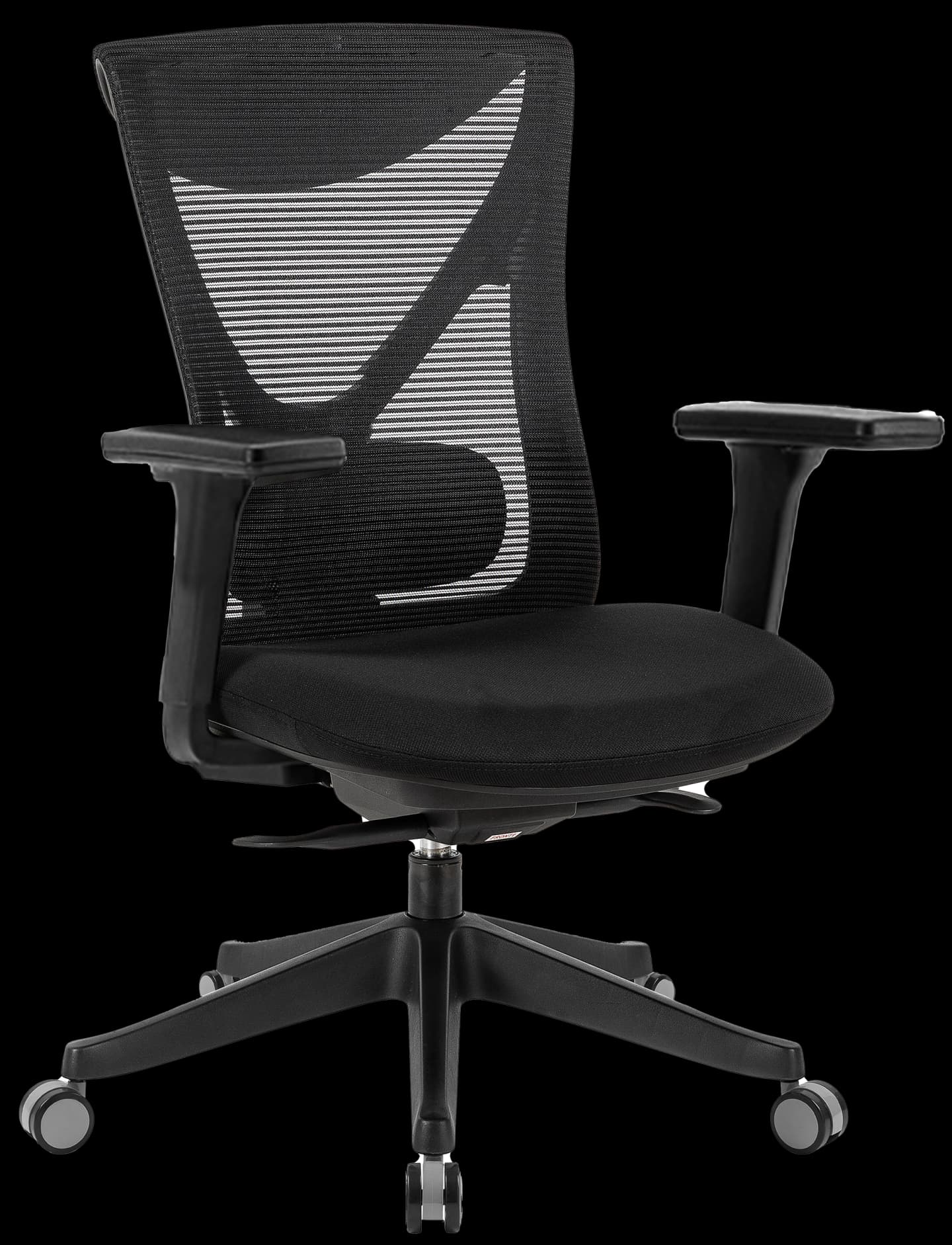
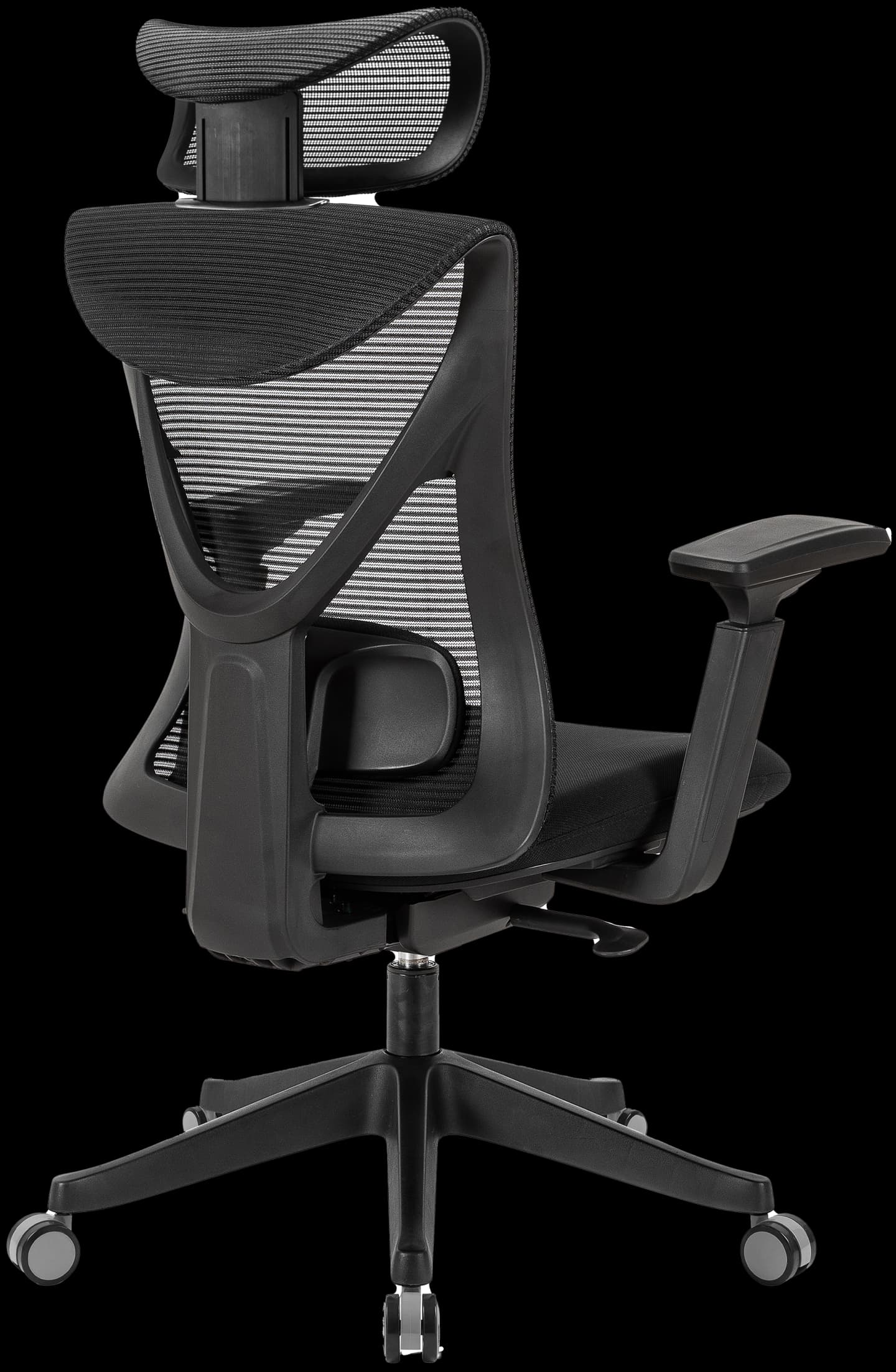
Both of our chairs have all four features: adjustable lower back support, a synchro mechanism with recline and 5 locking positions, a seat slider for depth adjustment and gas-lift height adjustment. The Scorpius Pro adds an adjustable headrest and 4D armrests, which makes it especially suitable if you also suffer from neck and shoulder strain. What makes them back-friendly is not the label but the adjustments.