
Standing Desk Benefits: What the Research Says and How Long to Stand Each Day
In short
An adjustable standing desk cuts sitting time at work by about 100 minutes a day on average in the first months (Cochrane review, 2018). Studies also measured less neck and upper back pain, better mood and higher engagement at work. The benefit comes from changing position, not from standing all day: experts recommend building up gradually to two hours of standing and light movement per workday, and later to four hours, in short periods.
What Does the Research Say About Standing Desks?
Dozens of studies have looked at standing desks. Here are the main findings, with the numbers and sources:
| What was measured | Result | Study |
|---|---|---|
| Sitting time at work | About 100 fewer minutes a day in the first three months, and about 57 fewer minutes after 3-12 months | Cochrane systematic review, 34 studies (2018) |
| Sitting time after one year | 83 fewer minutes per workday, along with improved performance, work engagement and fatigue | SMArT Work trial, BMJ (2018) |
| Neck and upper back pain | A 54% drop after 4 weeks. When the desks were removed, most of the improvement disappeared within two weeks | Take-a-Stand, CDC journal (2012) |
| Blood sugar after lunch | A 43% smaller rise after an afternoon of standing work (small study, 10 participants) | Occupational and Environmental Medicine (2014) |
| Calories burned | 0.15 kcal per minute more than sitting, about 54 a day over 6 hours of standing | Mayo Clinic meta-analysis, 46 studies (2018) |
Most studies are relatively short, and the Cochrane review rates the quality of evidence as low. The most consistent finding is the reduction in sitting time.
What a Standing Desk Doesn't Do
- It won't make you lose weight on its own. 54 kcal a day is about one slice of bread. According to the researchers, over a year that adds up to the energy in about 2.5 kg of fat, as long as you don't eat more. It helps, but it isn't a weight loss plan.
- Standing all day isn't the answer. A Canadian study that followed more than 7,000 workers for 12 years found that jobs involving mostly standing were linked to twice the risk of heart disease compared with jobs involving mostly sitting. The goal is to switch positions, not to swap sitting for standing.
- The effect fades if you stop using it. In the Cochrane review, the reduction in sitting time shrank over time. What helps you stick with it is a fast switch: two memory presets, sitting and standing, and the desk reaches the right height with one press.
How Long Should You Stand at a Standing Desk Each Day?
An international expert group (British Journal of Sports Medicine, 2015) recommends that office workers gradually build up to two hours of standing and light movement during working hours, and later to four hours. How you split it matters more than the total: it is better to stand many times for short periods than once for a long time.
Here is how to get there without sore legs, with a 4-week plan:
Week 1: Ten minutes every hour
Stand for 10 minutes every hour, mainly during phone calls and while reading email. That adds up to an hour and a quarter a day. Mild leg soreness in the first few days is normal.
Week 2: A quarter of an hour every hour
Add standing after lunch, when fatigue is at its peak. That is about two hours a day in total, the experts' first target.
Week 3: Stand by task
Decide which tasks you do standing: calls, video meetings and working on documents. Save your sitting and standing heights in the desk's memory so switching takes seconds.
Week 4: The Cornell rhythm
Following Cornell University's recommendation: every half hour, 20 minutes sitting, 8 minutes standing and 2 minutes moving. That is more than two hours of standing plus half an hour of movement per workday, on the way to the four-hour target.
How to Stand Correctly at a Standing Desk
- Desk height: At elbow height, with your shoulders relaxed and your arms bent at about 90 degrees. If you are 1.75 m tall, that is about 109 cm. Work out your exact sitting and standing heights with our desk height calculator.
- Monitor: The top edge at eye level or slightly below, an arm's length away. The monitor rises and lowers with the desk, so you only set it once.
- Floor: Standing on tiles or parquet tires you out quickly. An ergonomic standing mat spreads the load on your feet and lets you stand comfortably for longer.
- Movement: Shift your weight from one leg to the other, and now and then rest one foot on a low footrest. Standing still with locked knees is what wears you out.
An Under-Desk Treadmill: The Next Step
Once you are used to standing, you can add slow walking. In a Mayo Clinic study, walking at about 1.8 km/h while working at a computer burned about 119 kcal per hour more than working seated. The participants were overweight, and for lighter people the number is lower. At that pace it is easy to read, take calls and join meetings. For long stretches of typing, most people prefer to stop or walk more slowly.
The Orion walking pad is slim and foldable, fits under your standing desk and stores under the sofa or behind a door. While walking, raise the desk by the height of the walking pad and save that height as a separate memory preset.
Common Standing Desk Mistakes
- Standing for hours straight from day one. Your legs and back need time to adjust. Start with 10 minutes every hour and build up gradually.
- A desk at the wrong height. A desk that is too high raises your shoulders, and one that is too low bends your back. Set it to elbow height and save it to memory.
- Locking your knees and leaning on the desk. Stand with relaxed knees and your weight balanced on both legs.
- Standing barefoot or in heels on a hard floor. Comfortable shoes or a standing mat take the load off your feet.
- Not adjusting the desk anymore. A desk that stays at the same height all day is just a regular desk. A phone reminder every 30-45 minutes helps make switching a habit.
Which Standing Desk Is Best to Start With?
For your desk to get daily use, switching between sitting and standing has to be fast and quiet. On an electric desk with memory presets, it takes one press. The single-motor S1 suits most setups, including multi-monitor workstations, and lifts up to 80 kg. The dual-motor S2 fits users of any height (60-125 cm), lifts up to 120 kg and is especially stable at full standing height. We cover all the differences in our guide to choosing a standing desk, and you will find every model and accessory for comfortable standing on our standing desk page.
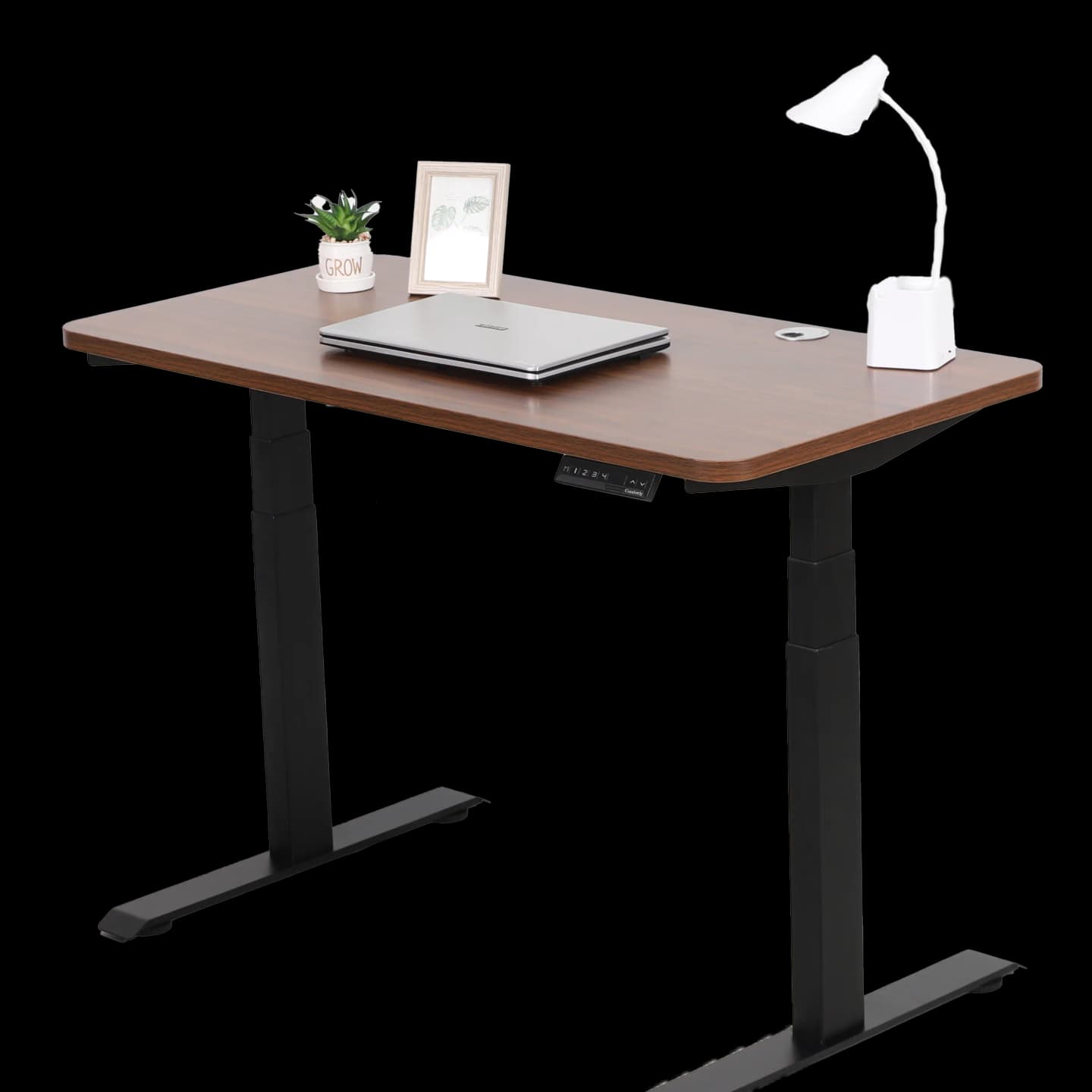
S2 Dual-Motor Adjustable Desk
Range 60-125 cm, up to 120 kg, 5-year warranty
From 2,690 ₪
Details →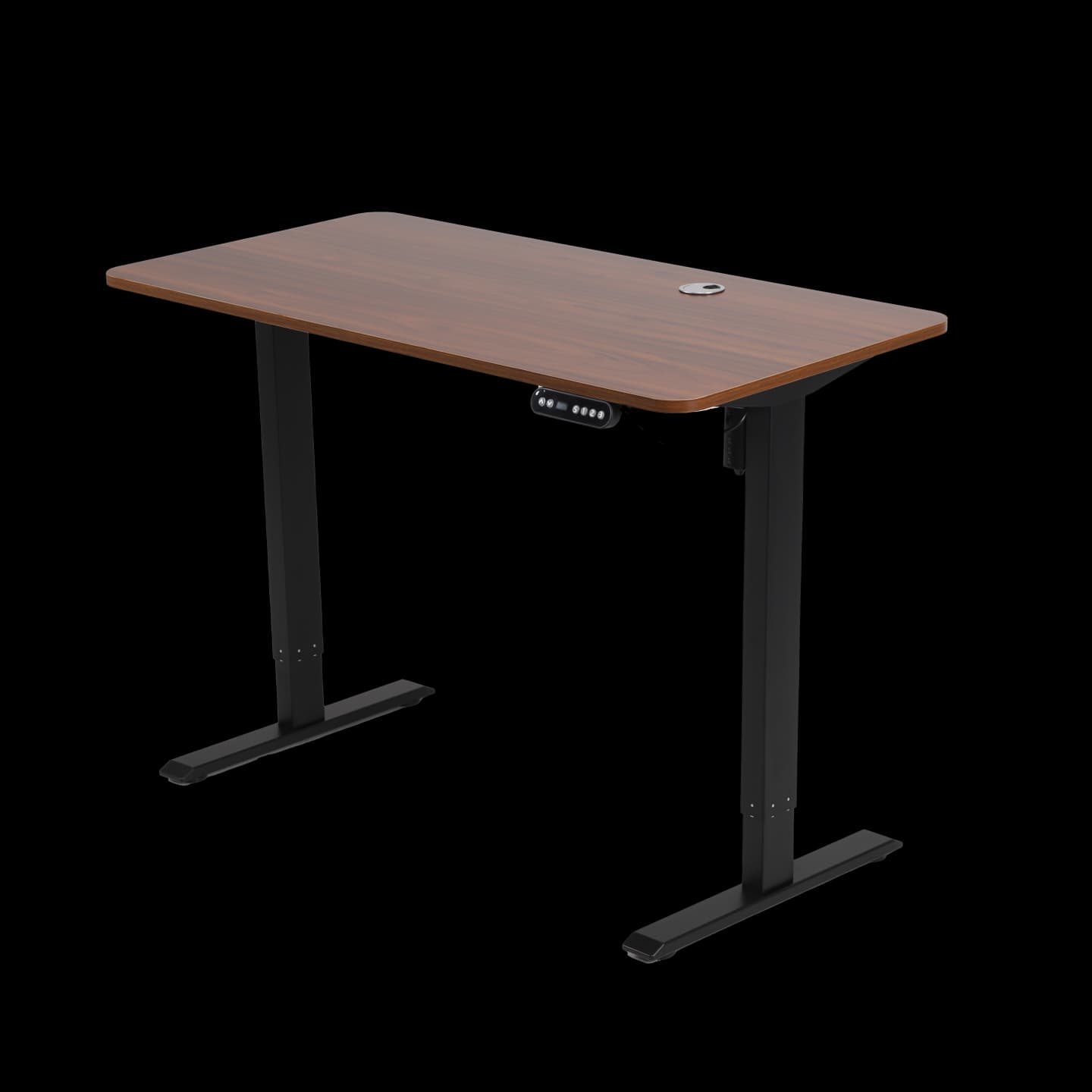
S1 Single-Motor Adjustable Desk
Range 70-115 cm, up to 80 kg, 3-year warranty
From 1,890 ₪
Details →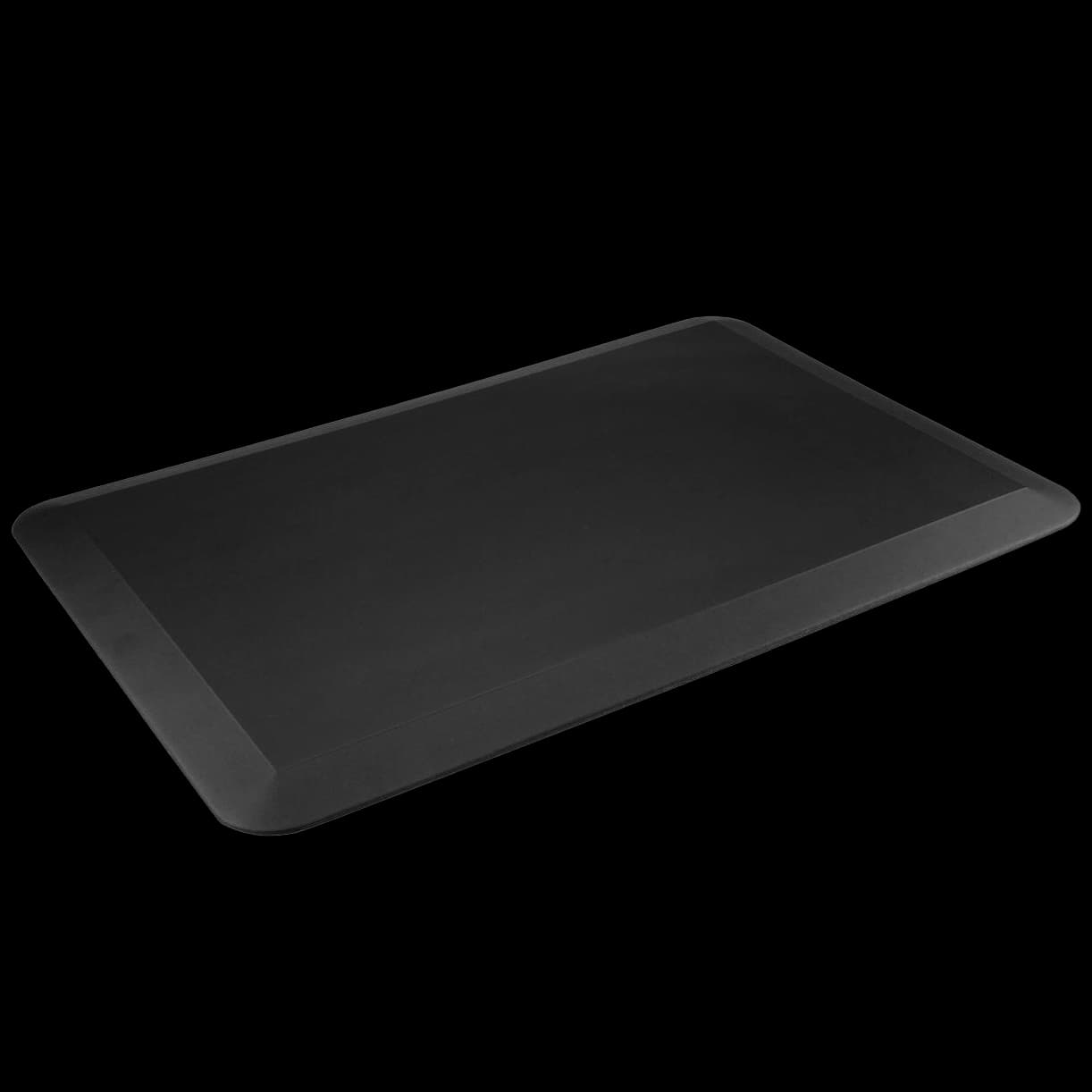
Ergonomic Standing Mat
Spreads the load on your feet during long periods of standing
290 ₪
Details →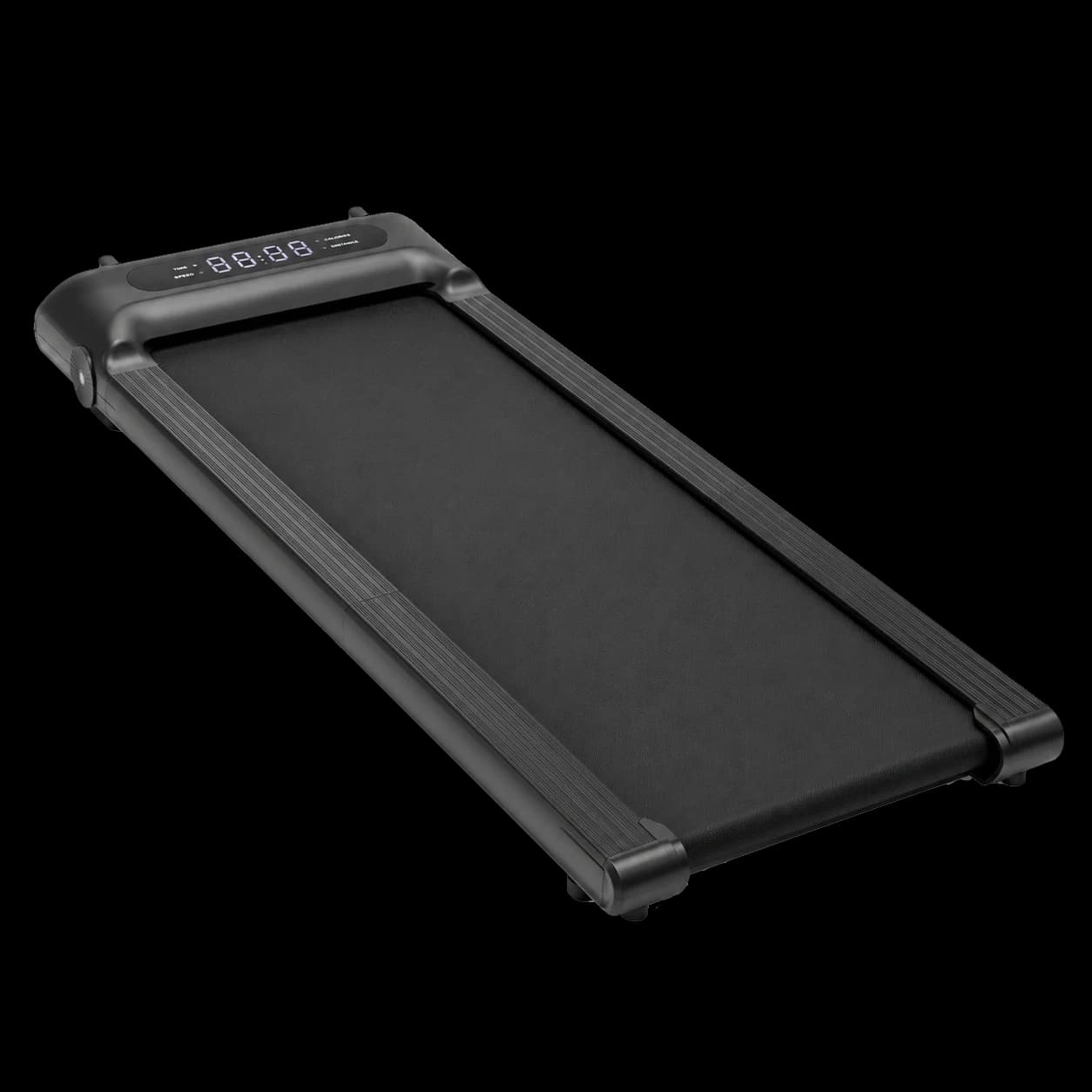
Orion Walking Pad
Slim and foldable, quiet motor, up to 120 kg
1,990 ₪
Details →