
How to Choose an Ergonomic Chair for Long Hours of Sitting
In short
An ergonomic chair for long hours at the computer needs five basic adjustments: seat height, seat depth, adjustable lower back support, a backrest that reclines and locks at several angles, and adjustable armrests. A mesh back is better for sitting for hours because it breathes. If you work more than 6 hours a day or suffer from neck pain, you will also benefit from a headrest and 4D armrests.
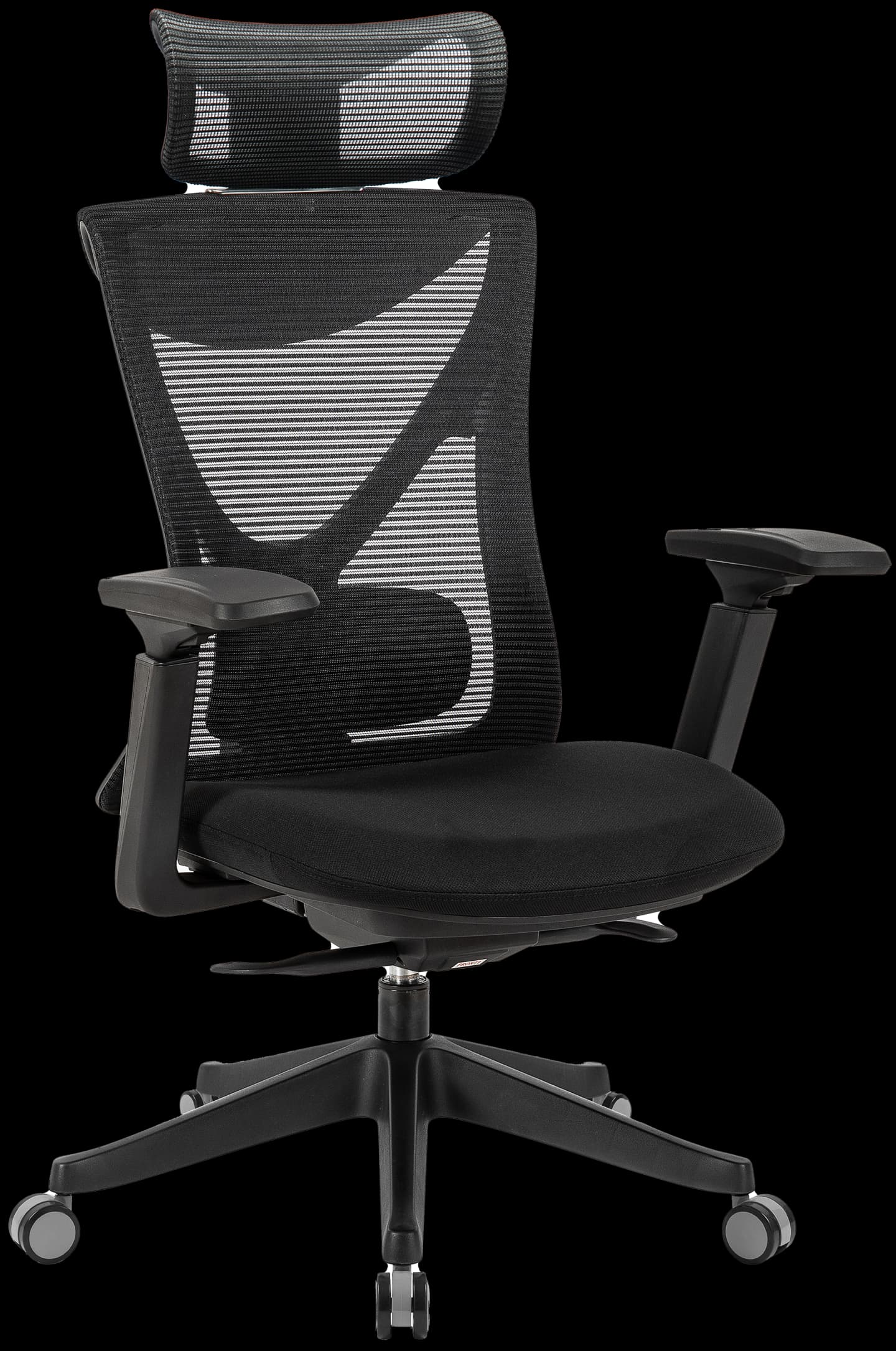
Which adjustments must an ergonomic chair have?
An ergonomic chair is not just a "comfortable" chair. It is a chair you can fit precisely to your body. Without these five adjustments, even the most expensive chair won't fit you:
| Adjustment | What it does | How to tell it's set correctly |
|---|---|---|
| Seat height | Matches the chair to your leg length and desk height | Feet flat on the floor, thighs parallel to it |
| Seat depth (seat slider) | Matches the seat to your thigh length | A gap of 2-4 fingers (about 5-8 cm) between the seat edge and the back of your knee |
| Lower back (lumbar) support | Maintains the natural curve of your spine | The support sits in the hollow of your lower back, roughly at belt height |
| Backrest angle and lock | Lets you lean back and take load off your back | An angle of about 100-110 degrees while working, with a lock |
| Adjustable armrests | Take load off your shoulders and neck | Elbows rest at 90 degrees, shoulders relaxed, level with the desk |
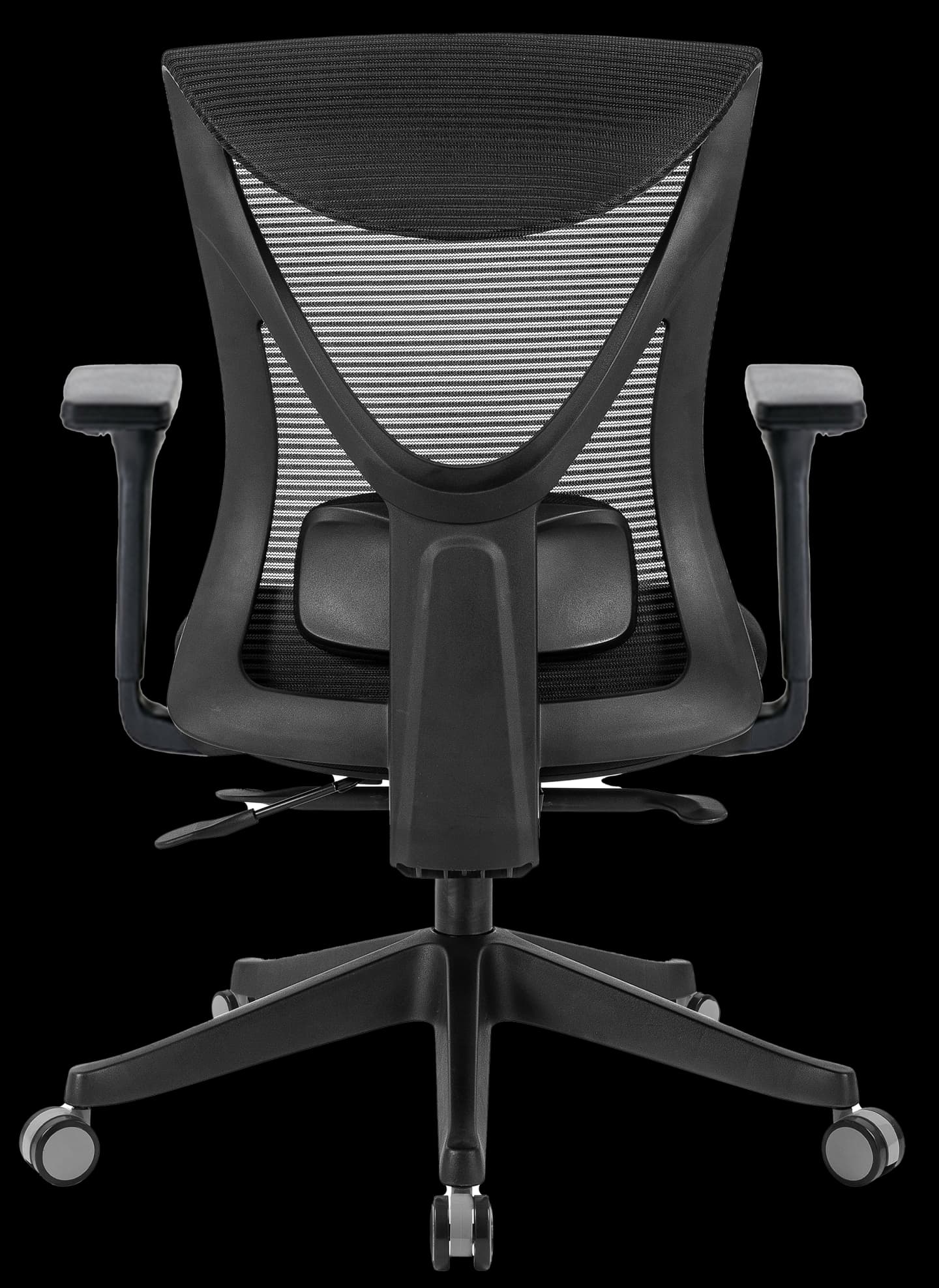
Which extra adjustments are worth paying for?
- Adjustable headrest: supports your neck when you lean back, during calls, reading and breaks. Important if you sit for more than 6 hours or suffer from neck pain.
- 4D armrests: adjust in height, depth, width and angle. You can bring them closer to your body while typing, so your shoulders don't splay out to the sides.
- Synchro mechanism: the seat and backrest move together at a fixed ratio when you lean back, so your feet stay on the floor and your back is supported at every angle.
- Tilt tension adjustment: sets how much force it takes to lean back, based on your body weight.
Mesh back or foam padding?
| Mesh back | Foam padding | |
|---|---|---|
| Ventilation | Excellent. You stay cool even in the Israeli summer | Fairly poor. Heats up after a few hours |
| Support | Flexible and adapts to your body | Depends on foam density. Cheap foam sags over time |
| Durability | Quality mesh keeps its tension for years | Quality molded foam is durable. Cut foam less so |
| Best for | Sitting for hours, hot climates | People who prefer a soft feel on the seat |
The most common combination in quality ergonomic chairs, including ours: a mesh back for ventilation and a molded foam seat for comfort and thigh support.
Ergonomic chair, orthopedic chair or gaming chair?
- Ergonomic chair: defined by its adjustments, meaning you can fit it to the user's body. That is what matters for long hours of sitting.
- Orthopedic chair: in Israel this is mostly a marketing label for a chair with extra lower back support. No standard defines what an orthopedic chair is. If you are looking for an orthopedic chair for long sitting, check the same adjustments: adjustable lumbar, seat depth and backrest angle. We go into more detail in our guide to orthopedic chairs for back pain.
- Gaming chair: looks like a racing car seat, with side wings and cushions. It is usually covered in faux leather, which heats up, and instead of adjustable lumbar support it has a loose pillow that shifts around. For an 8-hour workday, an ergonomic chair with a mesh back is the better choice.
How to adjust an ergonomic chair in 5 steps
A chair you never adjust is just an expensive chair. Do it once, in this order:
Seat height
Stand in front of the chair and lower the seat to just below your knee. Sit down and adjust until your feet are flat on the floor and your thighs are parallel to it or tilt slightly downward.
Seat depth
Sit with your back against the backrest and slide the seat until there is a gap of 2-4 fingers between the seat edge and the back of your knee.
Lower back support
Move the lumbar support up or down until it sits in the hollow of your lower back, roughly at belt height. It should feel supportive, not like pressure.
Backrest
Set the tilt tension to your body weight, and lock the backrest at about 100-110 degrees for work. During breaks, release the lock and lean back.
Armrests and desk
Set the armrests to a height where your elbows bend at 90 degrees and your shoulders are relaxed. Then set the desk to the same height. If your desk is fixed and too high, raise the chair and add a footrest.
How much does a good ergonomic chair cost?
| Price range | What you usually get |
|---|---|
| Up to 700 ₪ | Height adjustment and basic tilt. Usually no adjustable lumbar and no seat slider |
| 700-1,500 ₪ | Mesh back and lumbar support. Some chairs include a synchro mechanism and seat slider |
| 1,500-2,500 ₪ | All five adjustments, a synchro mechanism, and usually a headrest and 4D armrests too |
| Over 3,000 ₪ | Premium brand chairs. The extras are mainly in materials, design and a longer warranty |
General ranges in the Israeli market, for orientation only.
Recommended ergonomic chairs: Scorpius X or Scorpius Pro?
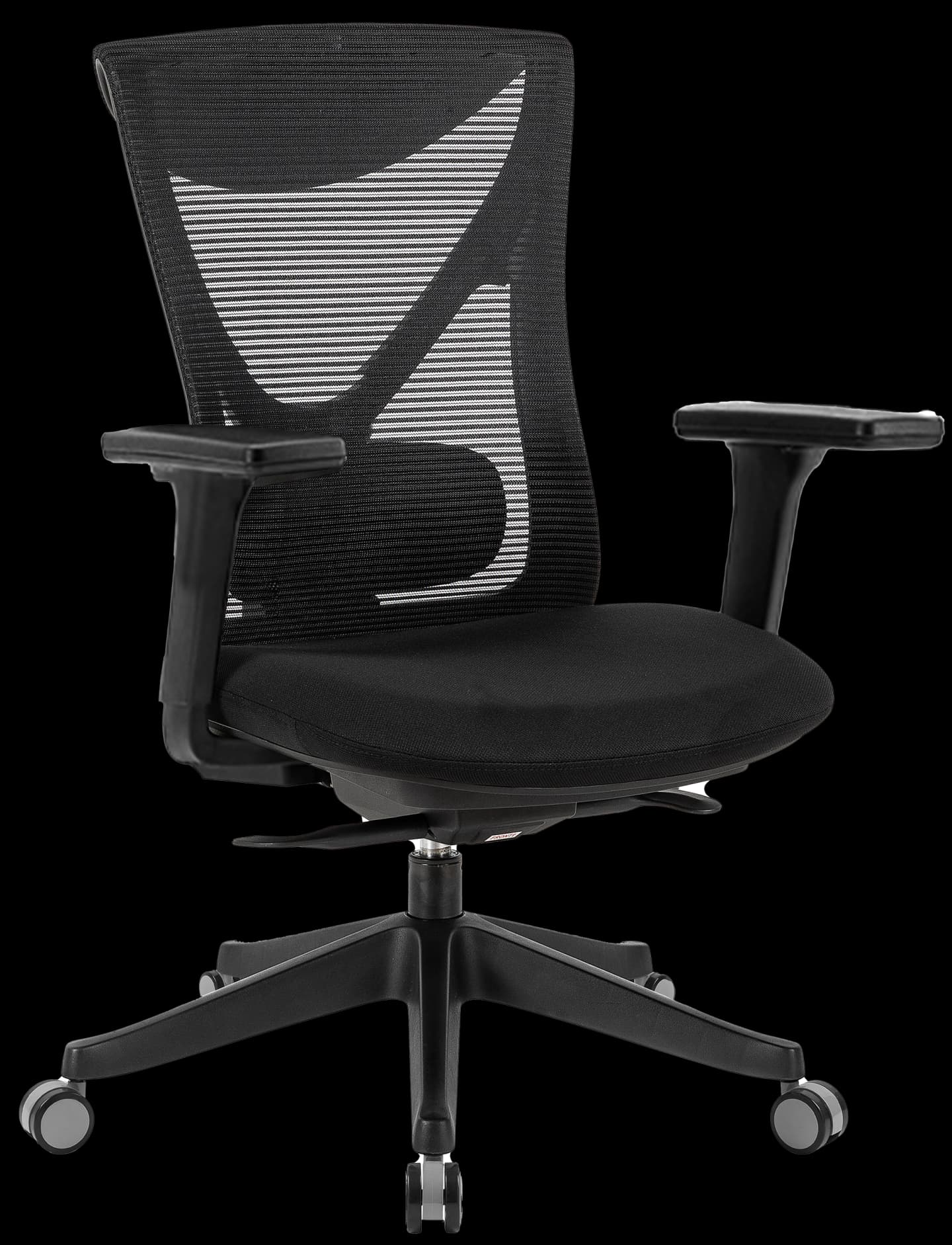
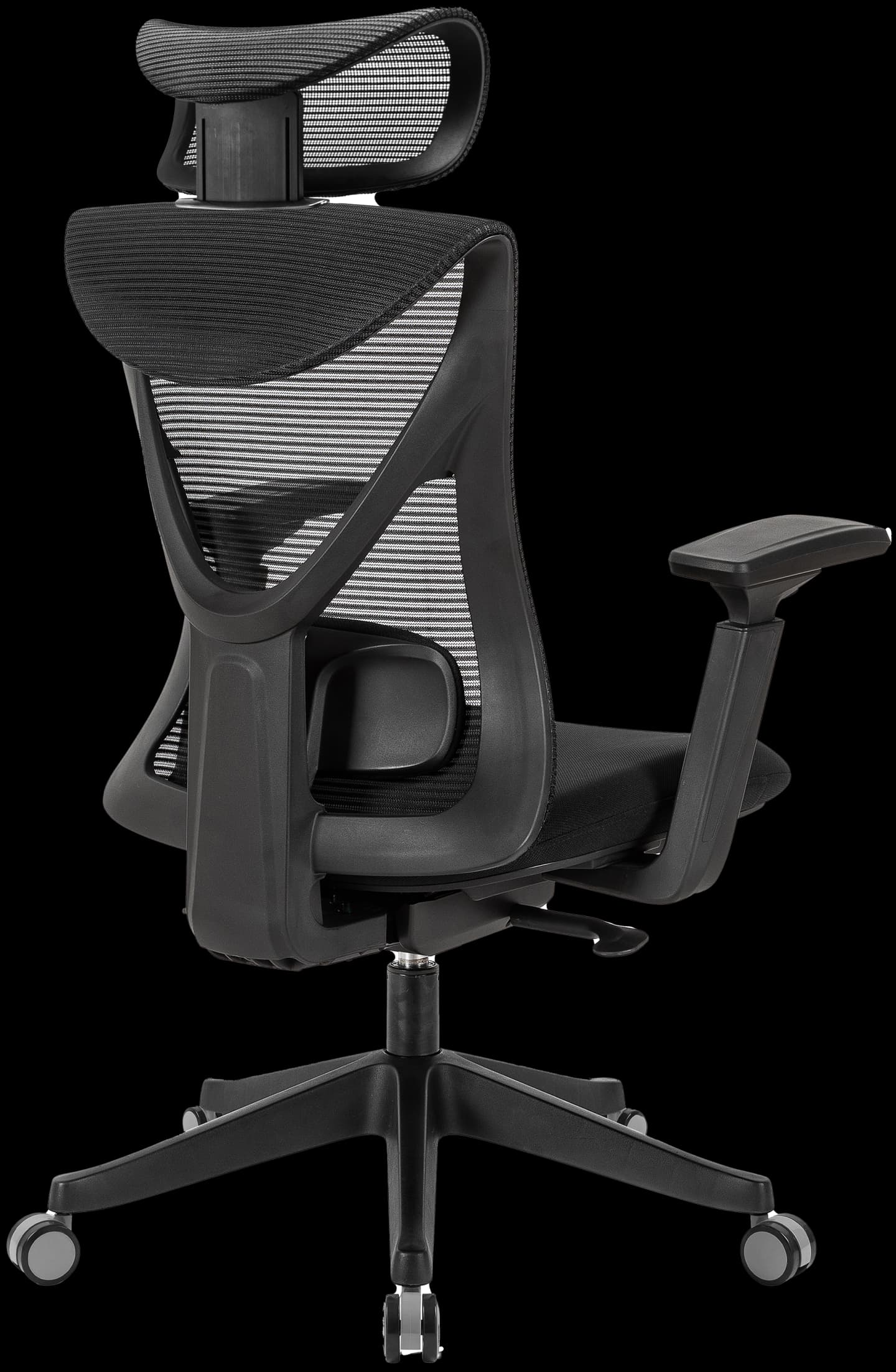
Both of our chairs share the same base: a mesh back, a molded foam seat, adjustable lower back support and a synchro mechanism with a seat slider and 5 locking positions. The difference comes down to two upgrades on the Pro:
| Scorpius X | Scorpius Pro | |
|---|---|---|
| Back | Breathable mesh | Breathable mesh |
| Seat | Molded foam with seat slider | Molded foam with seat slider |
| Lower back support | Adjustable | Adjustable |
| Mechanism | Synchro, 5 locking positions | Synchro, 5 locking positions |
| Headrest | None | Adjustable in height and angle |
| Armrests | 1D (height) | 4D (height, depth, width, angle) |
| Maximum user weight | Up to 130 kg | Up to 130 kg |
| Warranty | 3 years | 3 years |
| Price | 1,390 ₪ | 1,690 ₪ |
When to choose the X: you sit up to 6 hours a day, have no neck pain, and want the five essential adjustments at a lower price. When to choose the Pro: you sit more than 6 hours, lean back a lot, or suffer from neck and shoulder strain.
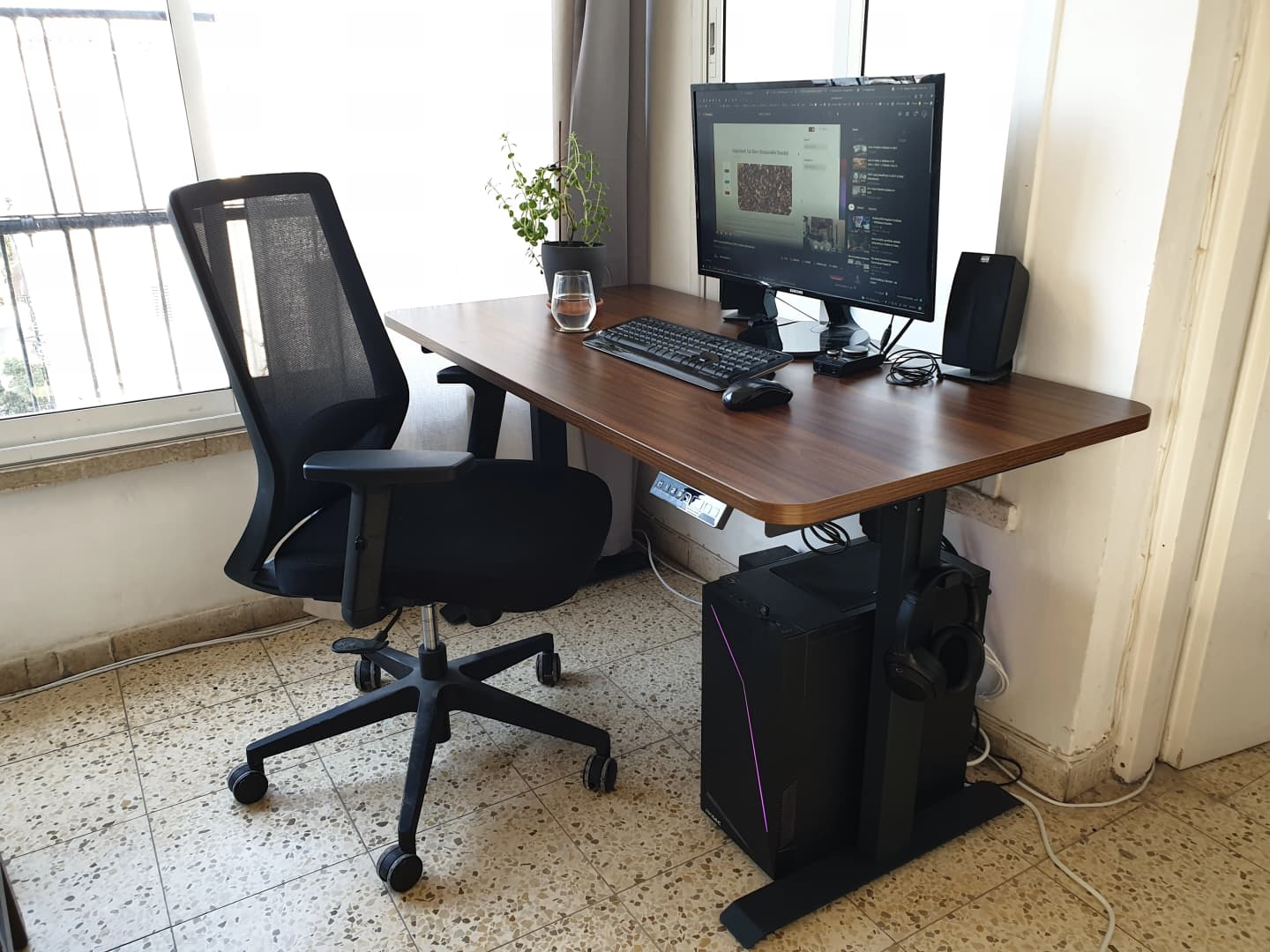
Why a good chair alone is not enough
The chair is only one part of your workstation. If the desk is too high, you'll raise the chair and your feet will lose the floor. If the screen is too low, your head will tilt forward even in the best chair. To complete the picture:
- Find the right height for your desk and screen with our desk height calculator.
- Thinking about working standing up too? Read how to choose an electric standing desk.
- Is your laptop screen too low? A monitor riser shelf lifts it to eye level.