
Ergonomic Desk: How to Check Whether a Desk Is Really Ergonomic
In short
A desk is not ergonomic because of its label but because it fits the body that sits at it and the work done on it. The check covers eight things: a height that bends the elbows 90 to 120 degrees, a depth that leaves at least 50 cm from the eyes to the screen, free space for knees and feet, a rounded edge, frequently used items within reach, a screen in front of the eyes, and the ability to change posture during the day. The European office standard sets a fixed desk at 74 cm plus or minus 2, so a fixed desk fits roughly people 165 to 190 cm tall. Anyone outside that range, anyone sharing a desk and anyone who wants to stand needs an adjustable desk.
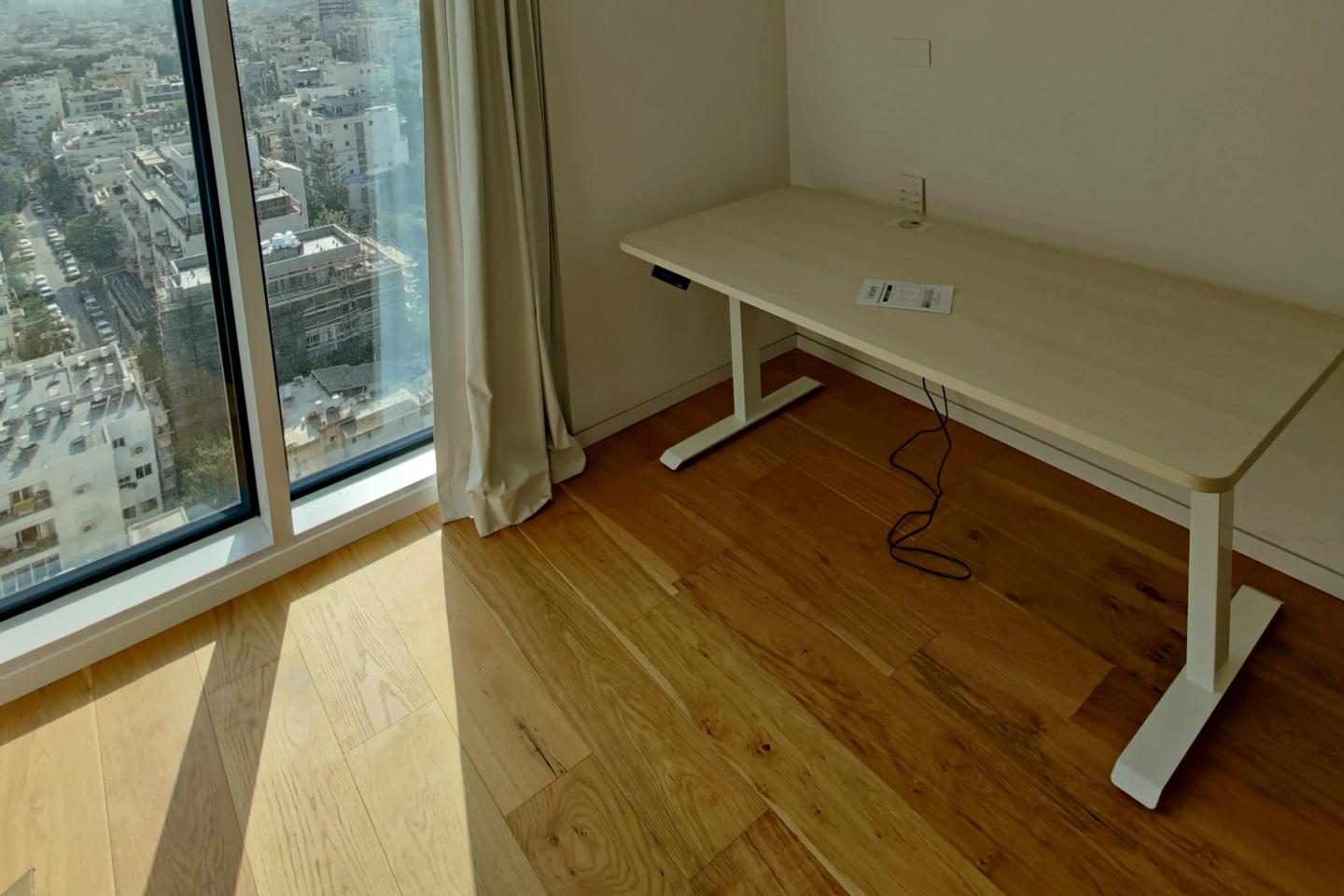
Eight checks: is your desk ergonomic?
The International Ergonomics Association (IEA) defines ergonomics as the discipline that designs the interaction between people and the other elements of a system so that both human well-being and performance are good. For a desk the meaning is simple: no desk is ergonomic in the absolute. There is a desk that fits your body and your tasks. The Israel Institute for Occupational Safety and Hygiene writes this about chairs, that a chair becomes ergonomic "only when it is adjusted" to the user's dimensions, the workstation and the tasks, and the principle is the same for a desk.
The table sums up eight checks you can do with a ruler and no special equipment. If you pass all of them, read the rest of this guide as background. If you fail one, you will find in the matching section what you can change.
| Check | How to test | Pass if | Source |
|---|---|---|---|
| 1. Height vs. elbows | Sit as usual, shoulders relaxed, hands on the keyboard | Elbows bent between 90 and 120 degrees and forearms roughly parallel to the floor | OSHA |
| 2. Feet | Look at the floor under the desk | Feet flat on the floor or on a footrest, thighs roughly parallel to the floor | OSHA |
| 3. Depth and screen distance | Measure from your eyes to the screen surface with your back supported | At least 50 cm, and usually between 50 and 100 cm | OSHA |
| 4. Space for knees and feet | Slide your legs under the desk with the drawers and boxes in place | Nothing in the way and legs move freely. For a fixed desk the European standard requires at least 85 cm of free width | OSHA, EN 527-1, Weizmann Institute |
| 5. Reach | Place the keyboard, mouse and phone in their permanent spots | What you touch all the time is within 40 cm of your body | Safety Unit, Weizmann Institute |
| 6. Desk edge | Rest your forearms on the front edge | The edge is rounded, there is no hard corner and no pressure on the forearm | OSHA |
| 7. Screen in front of the eyes | Look straight ahead and check where the screen is | The screen is directly in front of you, no more than 35 degrees to the side, with its top edge at or below eye level | OSHA, recommended monitor height |
| 8. Changing posture | Check whether you can also stand, or change height during the day | You can move between postures, because working in the same posture for a long time is not healthy even when the posture is good | OSHA |
The values are guideline ranges, not a medical condition. A different body, chair or task moves them by a few centimetres.
Height: when does a fixed desk fit?
The height check is the elbow check: when the forearms are parallel to the floor and the elbows are bent between 90 and 120 degrees, the shoulders stay relaxed and the wrists stay straight. The chair is set to that height, so a desk that is too high can be compensated with a higher chair and a footrest, while a desk that is too low can hardly be fixed.
The European office standard, EN 527-1, defines three cases. A fixed-height desk for sitting should be 74 cm plus or minus 2. An adjustable desk for sitting should cover at least 65 to 85 cm, for standing 95 to 125 cm, and a sit-stand desk should cover 65 to 125 cm. The standard is based on users about 149 to 191 cm tall (the 5th percentile woman to the 95th percentile man in Europe), so a single fixed height is a compromise. Our fixed desks are 72 cm high, inside the standard's range and at its lower end.
To translate this into a personal height we used the same body ratio as the desk height calculator: the ideal sitting desk height is about 0.4 of body height. An adjustable chair and a footrest compensate for about 6 cm of a desk that is too high. The table shows the gap against a 72 cm desk and a 74 cm desk.
| User height | Ideal desk height | Against a 72 cm desk | Against a 74 cm desk |
|---|---|---|---|
| 150 cm | 60 cm | 12 too high, needs adjustable | 14 too high, needs adjustable |
| 160 cm | 64 cm | 8 too high, borderline | 10 too high, needs adjustable |
| 165 cm | 66 cm | 6 too high, fits with a raised chair and footrest | 8 too high, borderline |
| 170 cm | 68 cm | 4 too high, fits | 6 too high, fits with a raised chair and footrest |
| 180 cm | 72 cm | Full match | 2 too high, fits |
| 190 cm | 76 cm | 4 too low, fits | 2 too low, fits |
| 195 cm | 78 cm | 6 too low, borderline | 4 too low, fits |
The calculation is based on an average body ratio and a compensation of about 6 cm with the chair and footrest. Chair height, keyboard type and body proportions change your personal result.
Depth, leg space and reach
OSHA defines depth by outcome and not by a number: the work surface should allow a distance of at least 50 cm from the eyes to the screen, with the screen directly in front of the user. The European standard EN 527-1 sets a desktop depth of at least 80 cm, and allows 60 cm only for screens of 17 inches or smaller when the desk is not against a wall. Home desks are commonly 60 to 70 cm deep. They suit a laptop or a small screen, and become tight with a screen of 27 inches or more, because the keyboard and the screen compete for the same centimetres. The detailed table is in the guide computer desk size.
Under a fixed desk, EN 527-1 requires a free legroom width of at least 85 cm, a free legroom depth of 80 cm and a clearance of at least 12 cm in height for the feet, and it limits the desktop thickness at the front edge to 7 cm. OSHA asks not to store equipment such as a computer case under the desk, and to remove center drawers if they reduce thigh space. For an adjustable desk, the leg clearance under the surface should be about 50 to 72 cm high. The Weizmann Institute adds a simple rule: do not put objects on the floor between the legs.
At the workstation itself, the Safety Unit at the Weizmann Institute recommends that the most-used accessories be within 40 cm of the body, and that the keyboard and mouse be 8 to 10 cm from the desk edge. When there is a lot of equipment, OSHA notes that a corner gives more depth than a straight run of desk. About the edge: a hard or angled edge that touches the forearm creates pressure that can cause tingling in the fingers, so a rounded edge is preferred, or the edge is covered with a padded material.
Fixed or adjustable: what fits you?
| Situation | What fits |
|---|---|
| One user between 165 and 190 cm who works seated | A fixed desk is enough. You get large depth and width at a low price: fixed computer desk |
| Under 165 cm or over 195 cm | An adjustable desk, because the gap from the fixed height is larger than a chair and a footrest can compensate for |
| Several people share the desk | An adjustable desk, because each person needs a different height |
| You want to work standing too, or add a walking pad | An adjustable desk: electric standing desk |
| A child or teenager who is still growing | An adjustable desk: adjustable desks for kids and students |
| You already have a tabletop you like | You can mount it on fixed or electric legs: tabletop materials |
Even with an adjustable desk, stability at standing height matters. The comparison between one motor and two is in the guide [single vs. dual motor](/guides/single-vs-dual-motor-desk).
Why change postures at all? OSHA defines four neutral working postures: upright sitting, declined sitting (the buttocks higher than the knees), reclined sitting and standing, and writes that sitting in the same posture for a long time is not healthy even when the posture is right. A Cochrane review of 34 studies found that sit-stand desks reduced sitting at work by an average of 100 minutes per eight-hour workday in the first three months. Between three and 12 months the reduction was about 57 minutes, based on only two small studies. The quality of the evidence is low, and there is no data beyond one year. The sensible reason to choose an adjustable desk is variety in postures, and not a promise of a health outcome. What the research says about how long to stand each day is detailed in the guide standing desk benefits.
What the standards say and what they do not promise
In Israel the relevant standard is SI 9241 Part 5, "Ergonomic requirements for office work with visual display terminals (VDTs): workstation layout and postural requirements". It was published in 2013, reconfirmed in 2020 and is sold through the Standards Institution of Israel. According to the standard's page, it specifies guiding ergonomic principles for user requirements, design and purchase of workstation equipment. It is not free, so the numbers in this guide come from OSHA, the European standard EN 527-1 and the Weizmann Institute. The Israel Institute for Occupational Safety and Hygiene also publishes observation forms for a computer workstation, which ask the same basic questions: whether the back is supported, whether the forearms are parallel to the floor and whether the keyboard and mouse are next to each other.
Even a desk that meets a dimensions standard is only a starting point. EN 527-1 targets the 5th to 95th percentile of users, so it cannot guarantee a fit for a specific body. The same principle exists for chairs: according to the Israel Institute for Occupational Safety and Hygiene, furniture sold as "ergonomic" is intended to fit a wide variety of people, and there is no guarantee that it will fit each one individually. This is why the checks in the first section matter more than any label.
After the desk: the rest of the workstation
A fitting desk is only one part of the workstation. Each guide here answers one question, and you do not need to read them all:
- Recommended desk height: a calculator based on your height: when you want an exact number for desk and chair height.
- Computer desk size: 120, 140 or 160?: when you need to decide on width and depth by monitors.
- Small computer desk: when space is limited.
- How to choose an electric standing desk: 7 checks before you buy: once you have decided on an adjustable desk.
- Recommended monitor height and distance from the eyes: when the desk fits and the neck is still tired.
- How to choose an ergonomic chair for long hours of sitting: when the desk fits and the chair does not.