
Small Computer Desk: A Comfortable Workspace in 0.72 sq m, and How to Measure
In short
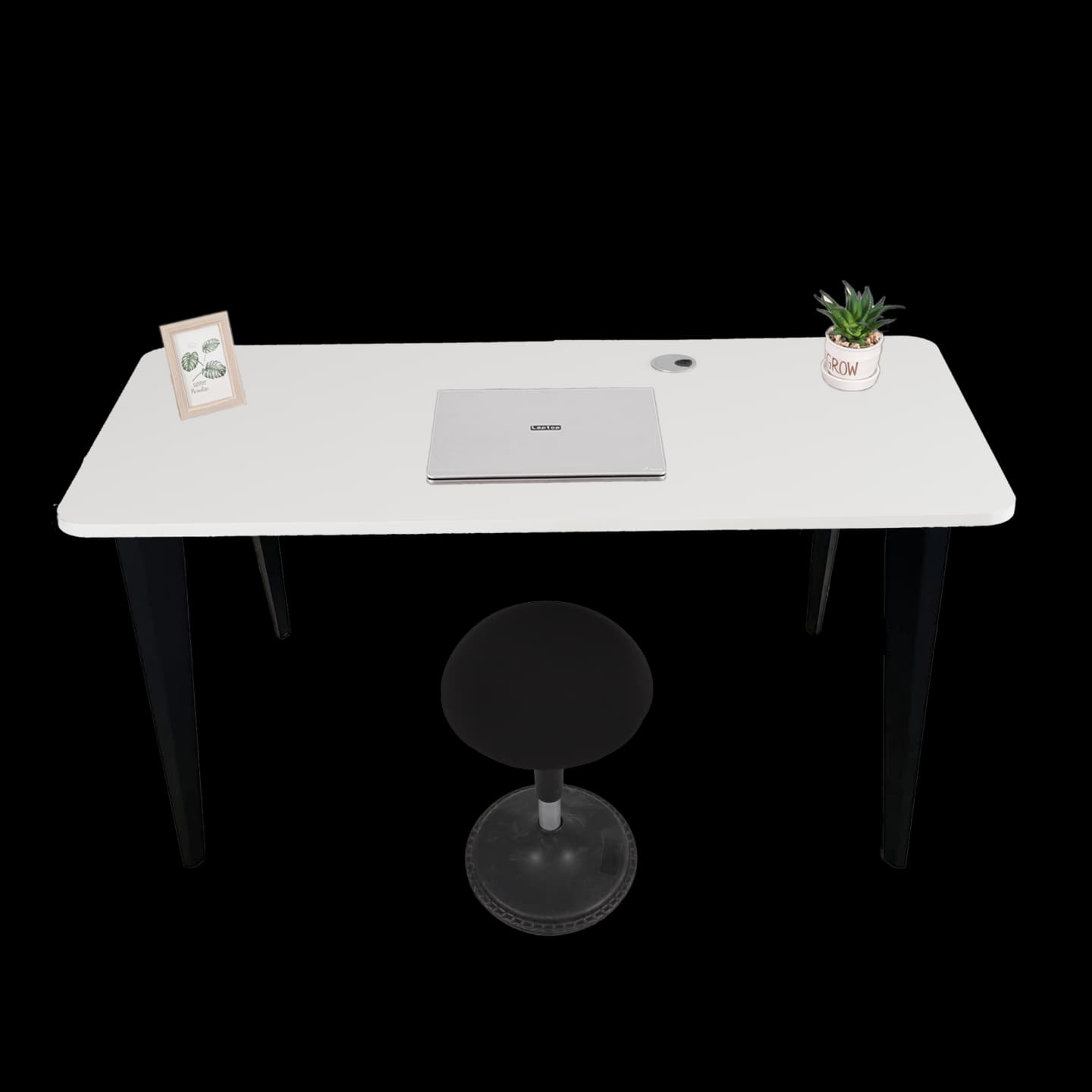
A 120x60 desk takes only 0.72 sq m and is enough for a laptop, one 24-inch monitor and, with limited depth, a 27-inch monitor. When depth is short, OSHA suggests pulling the desk away from the wall, choosing a flat-panel display, or placing the monitor in a corner. Before buying, measure the width and height of the spot, the chair when it is pulled back, and the position of the outlets. If you need two monitors, 120 is too small: two 24-inch monitors take 106 cm, leaving only 14 cm, and the right size is 140x70.
How much space each size really takes
In a small space the difference between a 120 desk and a 160 desk looks like a few centimeters in a table, but in square meters it is big: 160x80 takes almost twice the area of 120x60. Here are the numbers:
| Size | Area | Versus 120x60 | Suits |
|---|---|---|---|
| 120x60 cm | 0.72 sq m | Baseline | A laptop or one monitor |
| 140x70 cm | 0.98 sq m | 36 percent larger | Two small monitors, or a 27-inch monitor with a laptop |
| 160x80 cm | 1.28 sq m | 78 percent larger | Two 27-inch monitors or a wide screen |
The area is computed from the tabletop size. Chair space and walkway are added to it.
The smallest size we sell is 120x60. The legs themselves fit tabletops from 100 cm of width and 45 cm of depth, for anyone making a tabletop to suit a specific spot. Details on the 120 desk.
What fits on 120x60
Using our width formula (the sum of the gear plus 20 to 40 cm for keyboard and mouse), this is what fits:
| Gear | Required width | Fits on 120 cm? | Note |
|---|---|---|---|
| Laptop, mouse and notebook | 50 to 70 cm | Yes, comfortably | Room is left for a lamp |
| One 24-inch monitor | 73 to 93 cm | Yes, comfortably | 60 cm of depth is enough |
| One 27-inch monitor | 80 to 100 cm | Yes in width | At 60 cm of depth it is borderline, and 70 is better |
| Laptop and a 27-inch monitor | 110 to 130 cm | Tight | Possible if the laptop sits on a stand |
| Two 24-inch monitors | 126 to 146 cm | No | The monitors alone are 106 cm, leaving only 14 cm |
A 24-inch monitor is about 53 cm wide, a 27-inch about 60 cm and a 14-inch laptop about 30 cm, computed from the diagonal and aspect ratio.
How to gain depth without a bigger desk
OSHA states that the depth of the work surface should allow a distance of at least 50 cm from the eyes to the screen. When there is not enough room, it suggests several solutions, and all of them work in a small apartment:
- Pull the desk away from the wall. That gives room for the back of the monitor.
- Choose a flat-panel display. A flat panel is not as deep as an old monitor and needs less room on the desk.
- Place the monitor in a corner. A corner usually gives more depth than a straight run of desk. The idea also works with an L-shaped desk, explained on the computer desk page.
- Raise the monitor on a shelf. A monitor riser shelf lifts the screen to eye level and leaves room for a keyboard or items underneath.
One more rule worth remembering in a small space: place the monitor perpendicular to the window, not facing it or with the window behind you, to avoid glare.
Measure the space before you buy
Measure free width and depth
From wall to wall or to the nearest furniture. If there is a heater, a closet or a walkway, subtract the space it takes.
Measure the chair
Sit in the chair comfortably and check how much space it needs behind when you move away from the desk, not only when it is tucked in.
Check the window and the door
A door that opens into the room or a folding shutter can block the desk.
Mark it with tape
Stick a rectangle the size of the desk on the floor and sit inside it. If it feels cramped, choose a smaller size or place it elsewhere.
Plan outlets and cables
An outlet close to the desk saves cables on the way and lets you keep depth free.
When 120 centimeters is too small
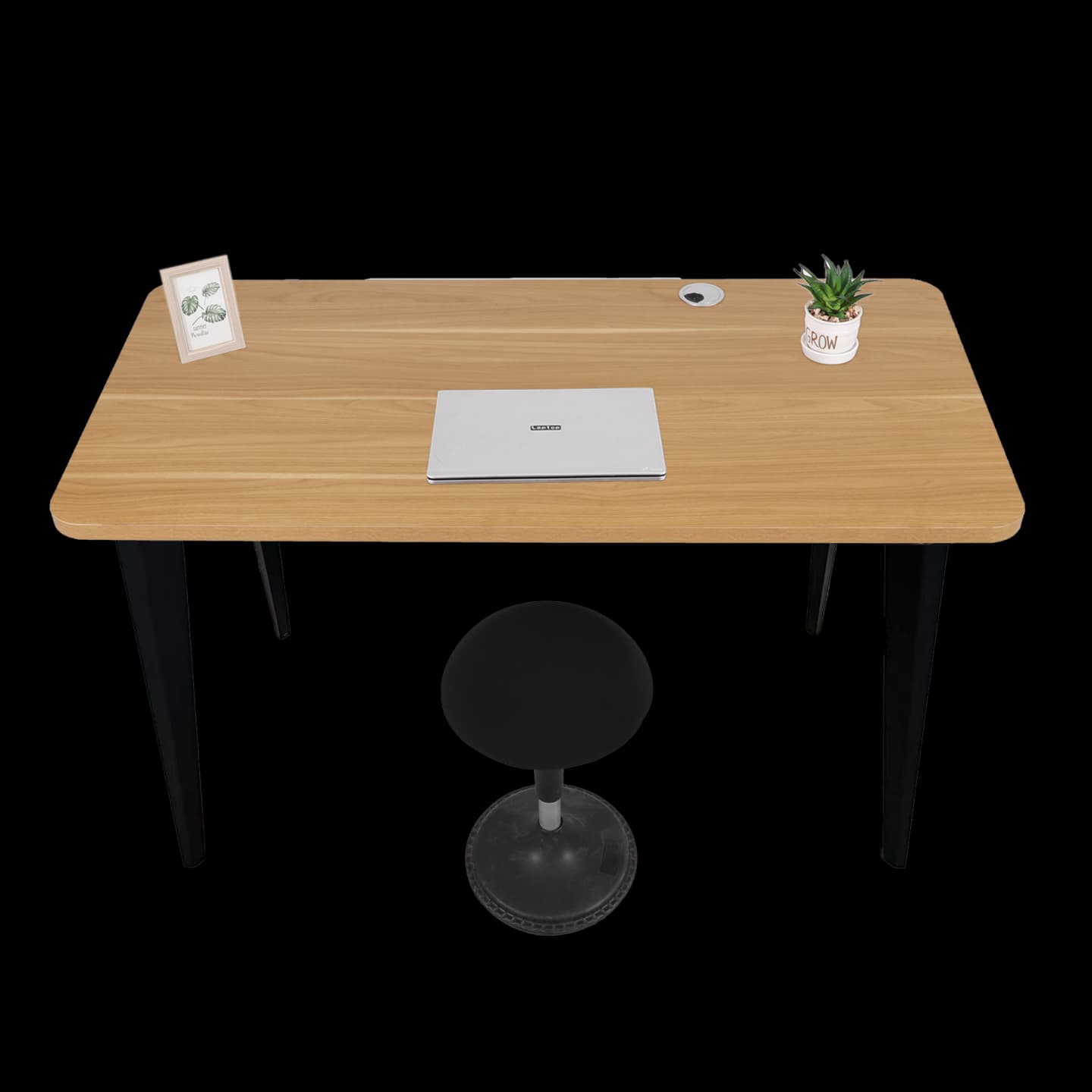
- Two monitors or a wide monitor. Two 24-inch monitors need at least 140x70, and two 27-inch monitors need 160x80.
- Working with papers. If you work a lot on paper next to the computer, the extra depth and width matter. More in the size guide.
- All-day use. If this is your main workstation and not a corner for occasional use, plan with a comfortable margin and not the minimum.